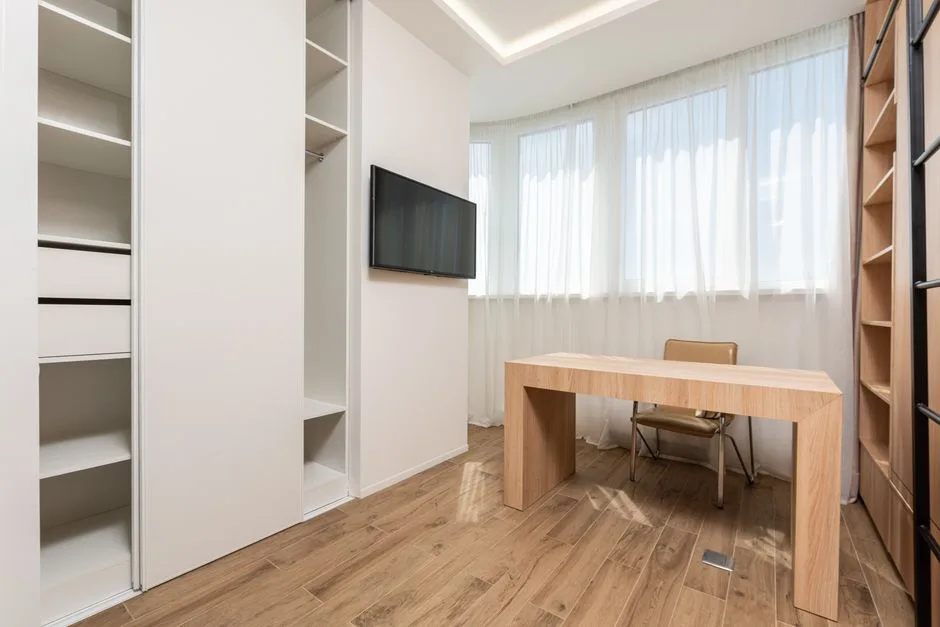
The average American home has between four and eight closets — and statistically, at least one of them is storing items that haven’t been touched in over two years. Boxes from a move you mostly unpacked. A vacuum cleaner you replaced. Coats that fit a version of you from 2019. Meanwhile, you’re working from your kitchen table with your laptop wedged between a fruit bowl and yesterday’s mail, or you’ve claimed a corner of the bedroom with a desk that stares at you all night and refuses to let work end.
Quick Answer
The average American home has between four and eight closets — and statistically, at least one of them is storing items that haven’t been touched in over two years.
A small home office closet conversion solves this — not as a cute DIY project, but as a genuinely functional restructuring of how your home works. I spent eleven years as an interior designer watching clients make expensive, avoidable mistakes with their spaces, and one pattern I kept seeing was this: people would spend money trying to add a workspace to their home when the square footage to reclaim one was already there, behind a bifold door, full of things they’d forgotten they owned.
This is the guide I wish existed when I started doing these conversions with clients. Not an aesthetic mood board. Not a vague list of tips. A real decision framework — from the type of closet you actually have to what the electrical code says about your extension cord situation — because the difference between a closet workspace that transforms your workday and one you abandon in three months comes down to decisions most content completely skips.
Why Closet-to-Workspace Conversions Outperform Dedicated Home Offices
In This Article
- Why Closet-to-Workspace Conversions Outperform Dedicated Home Offices
- The Four Closet Types and Which One Actually Works
- Before You Buy Anything: The Prep Work That Determines Success
- Desk Surface Options Ranked by Closet Depth
- Storage Architecture: How to Keep the Conversion From Reverting to a Junk Closet
- Lighting a Closet Workspace Without Natural Light
- The Door Decision: Remove, Replace, or Repurpose
- Ergonomics in a Confined Space: The Rules Change When Walls Are 12 Inches Away
- Budget Tiers: What a Real Conversion Costs at Three Price Points
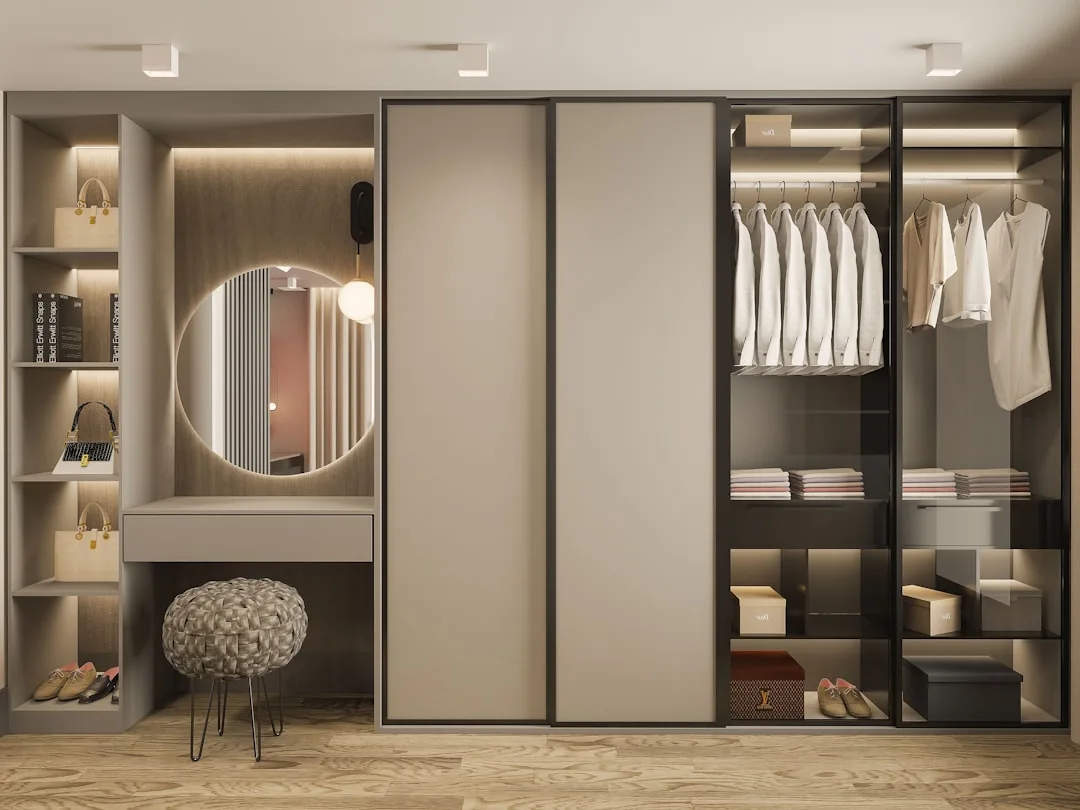
Most people approach this backward. They think of a closet conversion as a compromise — what you do when you can’t have a real home office. After converting probably forty or fifty closets across Chicago and New York apartments over the years, I’d argue the opposite: a converted closet niche is often functionally superior to a dedicated office room, and almost always superior to a shared-room desk setup. The reasons are structural, not sentimental.
Start with the psychology of closure. A dedicated office door can close, yes — but so can a closet. And there’s something uniquely powerful about the act of closing two bifold panels or drawing a curtain across a workspace that signals done in a way that turning your chair away from a desk simply doesn’t. The workspace disappears entirely. That physical act of concealment matters more than people expect until they’ve experienced it, especially for anyone who struggles to mentally clock out.
Then there’s the acoustic reality. Three walls of a closet naturally dampen ambient household noise — the television in the next room, the conversation in the kitchen — by a meaningful margin compared to an open desk in a corner. You’re not soundproofing a studio, but you’re reducing the intrusion enough to notice. For anyone on frequent calls, that difference is not cosmetic.
The spatial argument is equally straightforward. A converted 2×4-foot closet footprint replaces the functional need for a dedicated office room averaging 100–150 square feet. That’s square footage you can actually use for something else — a guest room that works as a guest room, a bedroom that breathes. And unlike a dedicated office addition, a closet conversion involves no structural change, which matters significantly for renters and for homeowners thinking about resale.
Standford research cited across multiple remote-work studies found that workers with defined physical boundaries between work and rest report 21% lower burnout scores than those who work from general living areas. A closet with a door is, by definition, a defined physical boundary.
The mindset shift is this: stop thinking about a closet office as a smaller version of a real office. Think of it as a purpose-built work capsule — contained, efficient, and closable.
Actionable takeaway: Before looking at closets, spend one week noticing how often your current work setup bleeds into non-work time. That number tells you how much the door matters.
The Four Closet Types and Which One Actually Works

Not every closet is a candidate. I’ve seen clients gut a perfectly good coat closet to build a workspace that never felt right because the geometry was wrong from the start — a mistake that cost time, money, and a relationship with a contractor I’d recommended. So before anything else: identify what you have and whether it fits.
Reach-in bedroom closet is the most common and, in most cases, the best candidate. The standard configuration runs approximately 6 feet wide by 2 feet deep by 8 feet tall — enough surface area for a 60-inch desk with lateral storage on both sides. Ideal depth is 24 inches; ideal width falls between 36 and 72 inches. Under 36 inches and you’re building a phone nook, not a workspace.
Reach-in hall or linen closet runs shallower — typically 16 to 20 inches deep — which changes everything about how you can use it. You’re not fitting a traditional seated desk in 16 inches. What works here is a standing-height shelf desk mounted at counter height, used for short-duration tasks or as a standing workstation with a tall stool. It’s a secondary workspace, not a primary one.
Walk-in closet offers the most flexibility and the most risk. The risk is that a walk-in without deliberate zoning reverts to exactly what it was — a storage room that now also has a desk in it. If you’re converting a walk-in, commit to a single wall and treat it as the workspace; everything else in the room must serve that purpose or leave.
Built-in wardrobe with sliding or bifold doors — this is where door removal becomes the most important first step. Bifold doors are relatively straightforward to remove and reinstall; sliding track systems require more planning because the tracks themselves take up floor and ceiling space that you’ll want back.
Minimum viable dimensions for a full monitor-and-keyboard setup: 30 inches wide × 20 inches deep × 80 inches tall. Below those numbers, you’re designing for a tablet and a notebook, which is a valid use case — just a different one.
- Reach-in bedroom closet (24 in deep, 36–72 in wide) → best for full workstation
- Hall/linen closet (16–20 in deep) → standing shelf desk or secondary station only
- Walk-in → one dedicated wall, strict zoning, or it fails
- Built-in wardrobe → remove doors first, then assess what you actually have
Actionable takeaway: Measure your closet’s depth before you do anything else. That single number determines your entire desk surface strategy.
Before You Buy Anything: The Prep Work That Determines Success
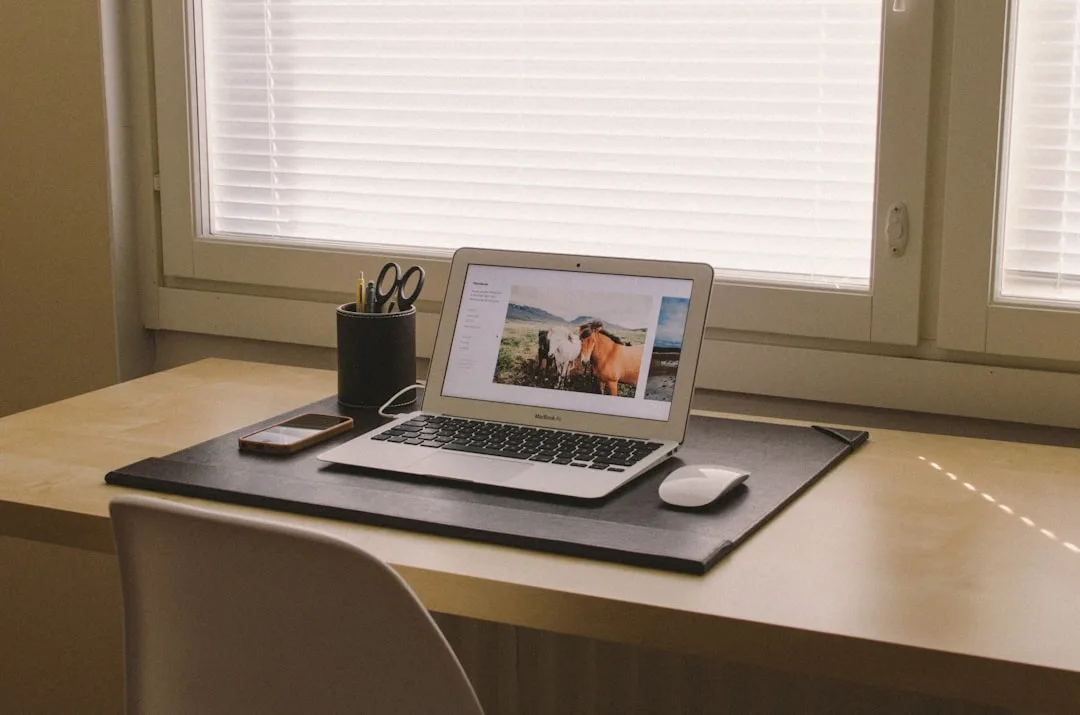
This is the section nearly every competitor skips, and it’s the section that separates a workspace that functions safely for years from one that creates a fire hazard or breaks down every August when your laptop overheats. Do this work before you purchase a single shelf bracket.
Electrical access comes first. Check whether an outlet exists inside the closet or on an immediately adjacent wall. If it doesn’t, you’ll be tempted to run an extension cord through the gap under the door or through a notch in the door frame. Don’t. The National Fire Protection Association’s NEC Article 400 explicitly prohibits flexible cords as a substitute for permanent wiring — a detail that appears in essentially zero competitor guides on this topic. If no outlet exists, budget $150–$400 for a licensed electrician to add one before you start anything else. Running an extension cord through a door gap isn’t just against code in most municipalities; it’s a real fire risk when a door repeatedly pinches the cord.
Ventilation is the second thing. Closets were designed to store clothing, not dissipate heat from processors and monitors. A small USB-powered fan mounted to a side wall or a louvered insert panel cut into the door costs almost nothing and prevents the equipment-shortening overheating cycle that turns a $1,200 monitor into a repair bill.
Lighting baseline matters more than most people expect. Before buying any fixture, take a lux or foot-candle reading at desk height — your phone’s light meter app does this adequately. Most closets measure under 20 foot-candles. Ergonomic desk work requires 50–75 foot-candles. That gap is significant enough that your lighting plan isn’t optional.
Wall material determines your mounting strategy:
- Standard drywall anchors: 10–25 lbs capacity
- Toggle bolts: 30–50 lbs capacity
- Studs (always locate before mounting): varies by fastener, typically 80+ lbs with a 3-inch screw
A monitor arm mounted to a floating bracket that’s anchored into drywall instead of a stud will fail eventually. Locate the studs.
Actionable takeaway: Before any purchase, confirm: (1) outlet location, (2) ventilation path, (3) foot-candle reading at desk height, and (4) stud locations on the back wall.
Desk Surface Options Ranked by Closet Depth
Depth is the constraint that determines everything else about your desk selection. Not the budget. Not the aesthetic. The depth of the closet — measured from the back wall to the door frame — sets the upper boundary on what’s physically possible, and most people don’t figure this out until they’ve already bought something that doesn’t fit.
Here’s the decision framework, mapped to real measurements:
16–18 inches (shallow linen or hall closet): A wall-mounted fold-down desk — sometimes called a Murphy desk — is the only realistic seated option, and even then you’re working at a slight stretch. These run $80–$350 depending on whether you buy prefabricated or build from a wall-mounted bracket with a custom top. They store flat when not in use, which is genuinely useful in a space that serves double duty.
20–22 inches: A custom-cut butcher block or plywood shelf on heavy-duty floating brackets becomes the most cost-effective solution. A 3/4-inch birch plywood desktop spanning a standard 72-inch closet width costs approximately $45–$85 in materials — versus $300–$600 for a comparable pre-built desk with identical ergonomic results. The hardware store will cut it to width for a few dollars. This is what I’d do in most apartments.
24 inches (standard reach-in): You’re now in full workstation territory. A 24-inch-deep surface accommodates a standard monitor arm, a keyboard tray, and reasonable elbow room. This is the sweet spot for most small home office closet conversions — deep enough to work comfortably, shallow enough that you haven’t had to modify the closet’s architecture.
30+ inches (partial walk-in wall): An L-shaped surface wrapping the back wall and one side wall becomes possible. This maximizes corner ergonomics and gives you genuine real estate for a dual-monitor setup or a secondary work surface for paper-based tasks.
One material note that’s worth taking seriously: MDF swells with humidity. In any home without consistent climate control — a coastal apartment, a home without central air, anywhere with seasonal humidity swings — MDF desk surfaces will warp and delaminate over time. Solid wood or plywood-core surfaces are worth the modest additional cost.
Actionable takeaway: Measure closet depth tonight and place yourself in the correct tier above before researching any desk product.
Storage Architecture: How to Keep the Conversion From Reverting to a Junk Closet
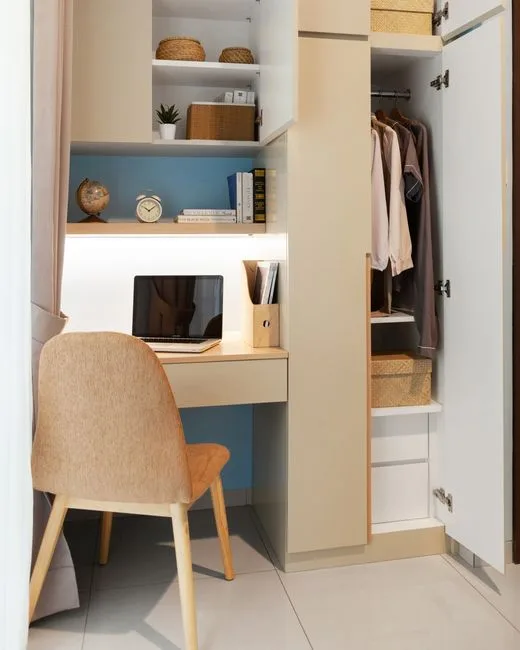
Here’s the failure mode I watched happen repeatedly: someone does a beautiful closet conversion in February. By June, there’s a box of holiday decorations on the floor. By October, the desk surface has acquired a small colony of items that have nowhere else to go. By the following February, the workspace is functionally gone and the closet is a junk room with a laptop stand in it.
This isn’t a discipline failure. It’s an architecture failure. The space wasn’t designed to resist entropy, so entropy won.
Vertical zoning is the structural solution. Below desk height: active work storage only — rolling carts with drawers, a single small filing cabinet, items you touch daily. Above eye level: archival or rarely accessed items — but only if those items are in labeled, sealed containers, not in the open-shelf chaos pattern that most closets default to. The rule is simple but requires commitment up front.
Pegboard panels mounted to the side walls of the closet recover usable surface without adding depth. Headphones, cables, small reference books, even a small trailing plant — all of these live on the wall rather than the desk. A 2×4-foot pegboard panel costs $15–$25 and takes twenty minutes to install.
Cable management is not optional and not aesthetic. It is a productivity intervention. A Princeton Neuroscience Institute study found that physical clutter in the visual field directly competes for neural resources, reducing focus and increasing task-completion time. Cables are the worst offenders in a small enclosed space because they’re visually complex, they collect dust, and they make the space feel provisional and temporary. A cable raceway kit, an under-desk cable tray, and a pack of velcro ties cost under $30 total. Do this before you sit down to work for the first time.
The other discipline that actually works in a confined space is the one-in-one-out rule — not because it’s a cute organizational principle, but because the physical constraint of the closet enforces it naturally. There genuinely isn’t room for more. Let the space do the editing.
Closed drawers or basket inserts for anything used less than daily. Open shelves in a small enclosed space accumulate visual noise faster than anywhere else in your home.
Actionable takeaway: Install pegboard on at least one side wall and cable management under the desk surface before moving your equipment in — retrofitting these around existing gear is miserable.
Lighting a Closet Workspace Without Natural Light

The most consistent complaint in client reviews of closet office setups isn’t the size. It’s the light. Or the absence of it. Most closets have a single incandescent or outdated LED overhead fixture that produces a dingy, shadowed, headache-inducing environment within about twenty minutes of actual use. Getting the lighting right requires three distinct layers working together — not just swapping a bulb.
Layer one — ambient base. A flush-mount LED panel or a continuous LED strip along the top interior of the closet establishes your base illumination. Color temperature should fall between 3000K and 4000K: warm enough to avoid the sterile fluorescent-office feel, cool enough to keep you alert. Anything below 2700K will make your workspace feel like a den, which sounds cozy until you’ve stared at a monitor in amber light for three hours.
Color Rendering Index matters more in enclosed spaces than most people realize. A CRI of 90 or above renders skin tones and paper colors accurately, which reduces the eye strain that comes from your brain constantly compensating for inaccurate color. Most budget LED strips sold at big box stores are CRI 70–80. For a workspace you’ll use daily, this is the wrong place to save $8.
Layer two — task lighting. An adjustable-arm desk lamp positioned 15 to 20 inches above the work surface, placed to the non-dominant side, eliminates the shadow cast by your monitor and your own body. This is not redundant to your overhead lighting. It’s addressing a different problem — directionality, shadow, and localized brightness at the exact point where your eyes are working.
Layer three — bias lighting. An LED strip mounted behind the monitor reduces perceived contrast between the bright screen and the dark wall behind it. Philips Hue’s own research on this suggests eye strain reduction in the range of 35% for screen-heavy sessions, and the mechanism is straightforward: your eyes are constantly adjusting to contrast gradients, and reducing that gradient means less work.
Avoid recessed cans directly overhead in a closet workspace. They throw hard downward shadows across your face during video calls — the exact lighting condition that makes you look like you’re conducting business from a parking garage.
A dimmer switch compatible with your LED fixtures costs $15–$30 and changes how the space feels across different times of day and different types of work.
Actionable takeaway: Order your bias lighting LED strip at the same time as your desk lamp — they ship together and get installed together, or neither happens.
The Door Decision: Remove, Replace, or Repurpose
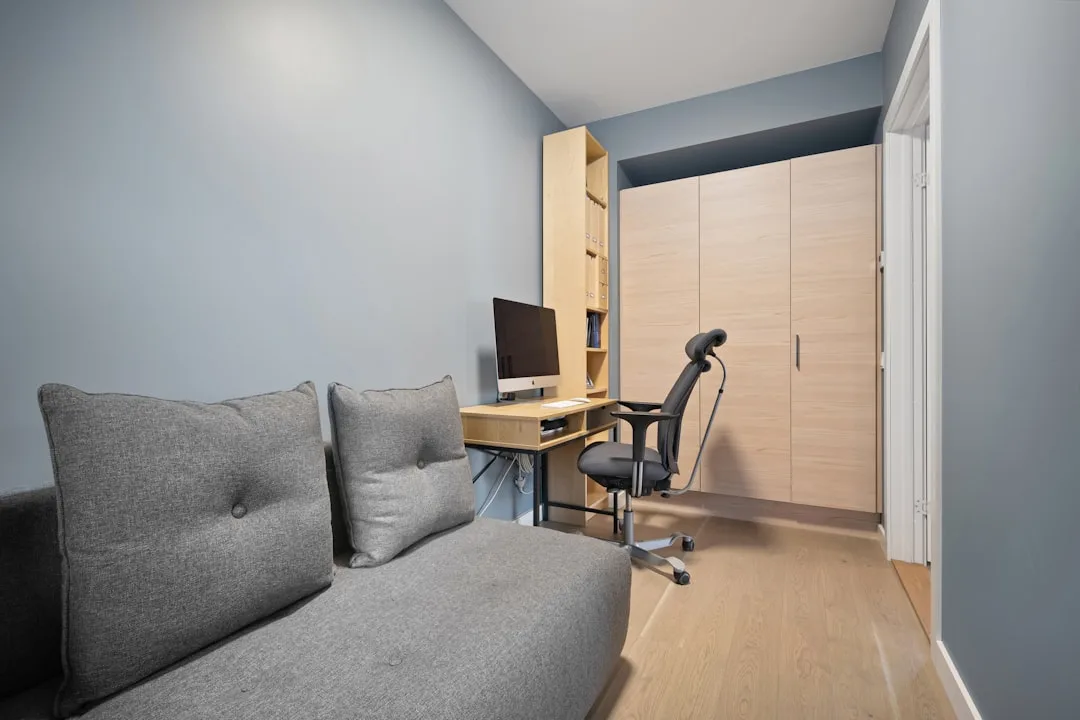
Nobody talks about the door, which is a significant oversight because the door is the single most transformative decision in a closet conversion. Get it right and the space feels intentional. Get it wrong and the whole thing feels like you stuck a desk in a closet.
Remove entirely. This creates the most open, airy result — the workspace integrates into the room rather than hiding from it. It works best when the closet is in a private bedroom or when the aesthetic intention is a fully visible, designed workspace niche. The downside is obvious: work is always visible, which undermines the concealment benefit that makes closet offices useful.
Replace bifold with a single barn door. This recovers 6 to 8 inches of usable closet width by eliminating the swing zone that bifold doors require. Barn door hardware runs $80–$250 depending on quality, and the visual result is a clean, intentional-looking panel that slides fully out of the way when you’re working. The planning constraint most people miss: barn door hardware requires clear wall space equal to 1.5 times the door width beside the opening. That requirement eliminates this option in roughly 30% of standard bedroom closet locations where the adjacent wall is too short — so measure before you order hardware.
Replace with a curtain panel. This is the option that works best in rental apartments and for anyone who wants maximum flexibility. At $20 to $60 for a panel with a ceiling-mounted rod, it provides complete concealment during off-hours, zero damage to door frames, and complete reversibility. It’s not glamorous, but it solves the problem.
Frosted glass insert or full frosted panel. This is the option for dark interior rooms — it maintains privacy while allowing ambient light from the room to reach the workspace. More involved from an installation standpoint, but the difference in how the workspace feels over an eight-hour day is significant.
Repurpose the door’s interior face. Whether you keep the door or not, the interior face is vertical real estate that almost nobody uses. A mounted whiteboard panel, a strip of cork, or a shallow magnetic organizer on the back of a bifold door recovers storage without adding any depth.
Actionable takeaway: If you have bifold doors, take one panel off this week and live with it for two days. That test tells you more about whether full removal works in your space than any amount of planning.
Ergonomics in a Confined Space: The Rules Change When Walls Are 12 Inches Away
Standard ergonomic guidance was written for dedicated office rooms, and it doesn’t transfer cleanly to a 2-foot-deep closet. Some of it applies directly. Some of it needs to be modified. A few points are closet-specific and appear nowhere in conventional ergonomics literature.
Monitor distance is the first adjustment. Standard guidance recommends 20 to 30 inches from eyes to screen. But a 20-inch-deep closet places the back wall at approximately 18 inches from your seated eye position — below the minimum recommended distance for most monitors. The solution is either an ultrawide curved monitor, which distributes the visual field laterally rather than forcing close focal distance, or a laptop stand that angles the screen upward and slightly back, creating effective distance without requiring more depth.
OSHA’s general duty ergonomics guidelines specify that the monitor top should sit at or slightly below seated eye height. In a standard 8-foot closet with a 30-inch-high desk surface, this almost always means mounting your monitor arm to the back wall rather than desk-mounting it — a wall-mounted arm keeps the screen at the correct height regardless of your chair position and frees the desk surface entirely.
Chair width versus closet width is the constraint nobody mentions until the chair arrives and won’t fit. A standard task chair is 26 to 28 inches wide. In a closet under 48 inches wide, the armrests will contact the side walls. Options: remove the armrests if the chair allows, choose a slim-profile chair in the 22 to 24-inch width range, or use a backless saddle stool — which also improves posture by engaging core stabilizers.
Sit-to-stand movement matters in a confined installation. A fixed-height desk is what most closet conversions produce, which means you’re seated all day unless you’ve planned for alternation. A desktop converter — a standing desk riser that sits on the existing surface — achieves sit-to-stand ergonomics without a motorized frame or a new desk installation.
CO2 buildup is a real and underappreciated problem. A person working in a sealed 6×2-foot space can raise carbon dioxide levels to 1,000 parts per million within 30 to 45 minutes. At 1,000 ppm, cognitive performance measurably declines — you feel sluggish, your attention drifts, and you blame your afternoon slump on something you ate. Keep a door panel louvered, leave the door ajar, or run a small USB fan for active air exchange.
In shallow closets, keyboards mounted flush to the desk surface typically create an upward wrist extension that, over months, contributes to strain. A negative-tilt keyboard tray drops the keyboard slightly below desk height and corrects this.
Actionable takeaway: Measure your closet’s interior width against the chair you plan to use before purchasing — return windows on chairs are often restrictive.
Budget Tiers: What a Real Conversion Costs at Three Price Points
Vague words like “affordable” and “budget-friendly” are useless when you’re trying to decide whether a project makes financial sense. Here are three real tiers with actual line items.
Tier 1: $100–$200
This assumes no electrical work, an existing outlet on an adjacent wall, and reuse of the closet’s existing shelving where possible.
- Floating shelf repurposed as desk surface (or new shelf): $30–$60
- Peel-and-stick LED strip for ambient lighting, CRI 90+: $20–$40
- Curtain panel door replacement: $25–$60
- Cable management kit (raceway + velcro ties): $15–$25
- Total: $90–$185
Tier 2: $400–$700
Moderate upgrades. No structural changes, but a real desk surface and proper seating.
- Custom-cut plywood desktop on heavy-duty floating brackets: $80–$130
- Adjustable arm desk lamp: $40–$80
- Pegboard side wall panels: $30–$60
- Slim task chair (22–24 in wide): $120–$200
- Electrician outlet addition, if needed: $150–$250
- Total: $420–$720
Tier 3: $1,200–$2,500
Built-in millwork, dedicated circuit, quality seating. This is a permanent installation.
- Custom built-in cabinetry: $600–$1,200
- Licensed electrician, dedicated circuit: $300–$500
- Ergonomic task chair: $350–$600
- Wall-mounted monitor arm: $80–$150
- Total: $1,330–$2,450
For context: HomeAdvisor’s 2024 cost data places a dedicated room home office build-out at $3,500–$8,000. A Tier 2 closet conversion delivers roughly 80% of the functional benefit at 10–15% of that cost. The math is not subtle.
Hidden costs that don’t appear in any competitor guide: paint touch-up after you remove the old shelf hardware ($15–$40 in materials, plus your time), drywall repair if the previous shelving brackets pulled chunks from the wall, and the closet rod and bracket removal — which sounds trivial until you realize some installations were done with 3-inch screws into studs and will leave holes that need patching.
Actionable takeaway: Start at Tier 1 and live in the space for thirty days before committing to Tier 2 or 3 investment. The constraints you discover in month one will completely reshape what you’d spend money on.
Frequently Asked Questions
Do I need an electrician to convert a closet into a home office?
It depends entirely on whether a grounded outlet already exists inside the closet or within accessible reach on an adjacent wall. If it does, and you’re not adding additional circuits, a licensed electrician is optional for the conversion itself. If no outlet exists, you need one — and adding one requires an electrical permit in most US jurisdictions and should be done by a licensed electrician. The cost runs $150–$400 for a straightforward outlet addition on an existing circuit. What you should never do is run an extension cord through the door gap as a workaround. NEC Article 400 prohibits this explicitly, and the repeated pinching of a cord by a closing door creates a genuine fire hazard over time.
What is the minimum closet size needed for a functional home workspace?
For a full monitor-and-keyboard workstation with seated ergonomics: 30 inches wide × 20 inches deep × 80 inches tall. Below 30 inches wide, you lose the elbow clearance that makes prolonged typing bearable. Below 20 inches deep, you’re in standing-desk or fold-down-desk territory for a primary setup. Smaller than both dimensions, you have a phone and tablet nook — genuinely useful for some workflows, but not a replacement for a primary workspace if you’re on calls, using multiple monitors, or working full-time hours.
How do I ventilate a closet office to prevent overheating?
The two-part answer: passive and active. Passive ventilation means either keeping the door ajar during work sessions, replacing solid door panels with louvered inserts, or — if you’ve removed the door entirely — positioning the closet opening toward a room with air circulation. Active ventilation means a small USB-powered fan, ideally positioned to draw air across the equipment rather than just circulate the same air. For equipment protection, the goal is preventing ambient temperature inside the closet from rising more than about 10°F above room temperature. For personal comfort and cognitive performance, you’re also managing CO2 — a person in a sealed 6×2-foot space can push CO2 above 1,000 ppm within 30–45 minutes, enough to noticeably affect focus. Leave something open.
Can I convert a rented apartment closet into an office without losing my deposit?
Yes, with specific constraints. The methods that create deposit risk: drilling into walls without patching, painting without permission, and removing doors without storing and reinstalling them. The methods that don’t: a tension-mounted shelf or a freestanding desk unit sized to fit the closet, a ceiling-mounted curtain rod using pressure-mount hardware, peel-and-stick LED strips (which remove cleanly from painted surfaces), pegboard hung from existing rods rather than drilled to walls, and a cable management system that adheres with removable Command strips. A Tier 1 build can be done entirely without drilling. The desk surface is the hard part — a freestanding unit or a shelf sitting on L-brackets resting in existing standard shelf supports (not screwed in) handles this without wall penetration.
What type of chair fits in a narrow closet office?
Anything under 48 inches wide requires deliberate chair selection. Standard task chairs run 26–28 inches wide including armrests, which means they contact the side walls in most closets under 4 feet. Three realistic options: a slim-profile task chair in the 22–24-inch width range (brands like HON and IKEA’s Järvfjället series have options here), a backless saddle stool which has a narrower footprint and engages core stability, or a traditional chair with removable armrests. The other option that works surprisingly well in very narrow conversions — under 36 inches wide — is a saddle stool positioned partially outside the closet footprint, with the user leaning slightly into the workspace rather than seated fully inside it. Unconventional, but ergonomically sound if the desk height is calibrated correctly.
The closet you’re picturing right now — the one with the extra blankets and the box of cables you’ve been meaning to sort — is probably exactly the right size for what you need. Today’s action is simple: empty it, measure the depth, and place yourself in the correct desk-surface tier from the section above. Everything else follows from those two numbers. The workspace is already there. It’s just waiting behind a door you stopped thinking about.
Do I need an electrician to convert a closet into a home office?
It depends entirely on whether a grounded outlet already exists inside the closet or within accessible reach on an adjacent wall. If it does, and you’re not adding additional circuits, a licensed electrician is optional for the conversion itself. If no outlet exists, you need one — and adding one requires an electrical permit in most US jurisdictions and should be done by a licensed electrician. The cost runs $150–$400 for a straightforward outlet addition on an existing circuit. What you should never do is run an extension cord through the door gap as a workaround. NEC Article 400 prohibits this explicitly, and the repeated pinching of a cord by a closing door creates a genuine fire hazard over time.
What is the minimum closet size needed for a functional home workspace?
For a full monitor-and-keyboard workstation with seated ergonomics: 30 inches wide × 20 inches deep × 80 inches tall. Below 30 inches wide, you lose the elbow clearance that makes prolonged typing bearable. Below 20 inches deep, you’re in standing-desk or fold-down-desk territory for a primary setup. Smaller than both dimensions, you have a phone and tablet nook — genuinely useful for some workflows, but not a replacement for a primary workspace if you’re on calls, using multiple monitors, or working full-time hours.
How do I ventilate a closet office to prevent overheating?
The two-part answer: passive and active. Passive ventilation means either keeping the door ajar during work sessions, replacing solid door panels with louvered inserts, or — if you’ve removed the door entirely — positioning the closet opening toward a room with air circulation. Active ventilation means a small USB-powered fan, ideally positioned to draw air across the equipment rather than just circulate the same air. For equipment protection, the goal is preventing ambient temperature inside the closet from rising more than about 10°F above room temperature. For personal comfort and cognitive performance, you’re also managing CO2 — a person in a sealed 6×2-foot space can push CO2 above 1,000 ppm within 30–45 minutes, enough to noticeably affect focus. Leave something open.
Can I convert a rented apartment closet into an office without losing my deposit?
Yes, with specific constraints. The methods that create deposit risk: drilling into walls without patching, painting without permission, and removing doors without storing and reinstalling them. The methods that don’t: a tension-mounted shelf or a freestanding desk unit sized to fit the closet, a ceiling-mounted curtain rod using pressure-mount hardware, peel-and-stick LED strips (which remove cleanly from painted surfaces), pegboard hung from existing rods rather than drilled to walls, and a cable management system that adheres with removable Command strips. A Tier 1 build can be done entirely without drilling. The desk surface is the hard part — a freestanding unit or a shelf sitting on L-brackets resting in existing standard shelf supports (not screwed in) handles this without wall penetration.
What type of chair fits in a narrow closet office?
Anything under 48 inches wide requires deliberate chair selection. Standard task chairs run 26–28 inches wide including armrests, which means they contact the side walls in most closets under 4 feet. Three realistic options: a slim-profile task chair in the 22–24-inch width range (brands like HON and IKEA’s Järvfjället series have options here), a backless saddle stool which has a narrower footprint and engages core stability, or a traditional chair with removable armrests. The other option that works surprisingly well in very narrow conversions — under 36 inches wide — is a saddle stool positioned partially outside the closet footprint, with the user leaning slightly into the workspace rather than seated fully inside it. Unconventional, but ergonomically sound if the desk height is calibrated correctly.