
The desk position you chose when you first moved in was almost certainly wrong — and the headache you get by 3pm is the most reliable proof. Getting desk placement for natural light right is one of the most consequential decisions in any home office setup, and almost nobody treats it that way.
Quick Answer
The desk position you chose when you first moved in was almost certainly wrong — and the headache you get by 3pm is the most reliable proof.
Most people set up their desk the same way they set up everything else in a new space: based on where the outlet is, where the wall is long enough, and where the furniture fits without blocking a door. Light is an afterthought. Maybe it was never a thought at all. And then you spend two years developing a tension headache every afternoon and quietly blame your monitor, your chair, or your job — when the actual problem is that a window you didn’t think twice about is destroying your visual field for four hours every day.
This isn’t a small comfort issue. It compounds.
Why Your Current Desk Position Is Working Against You
In This Article
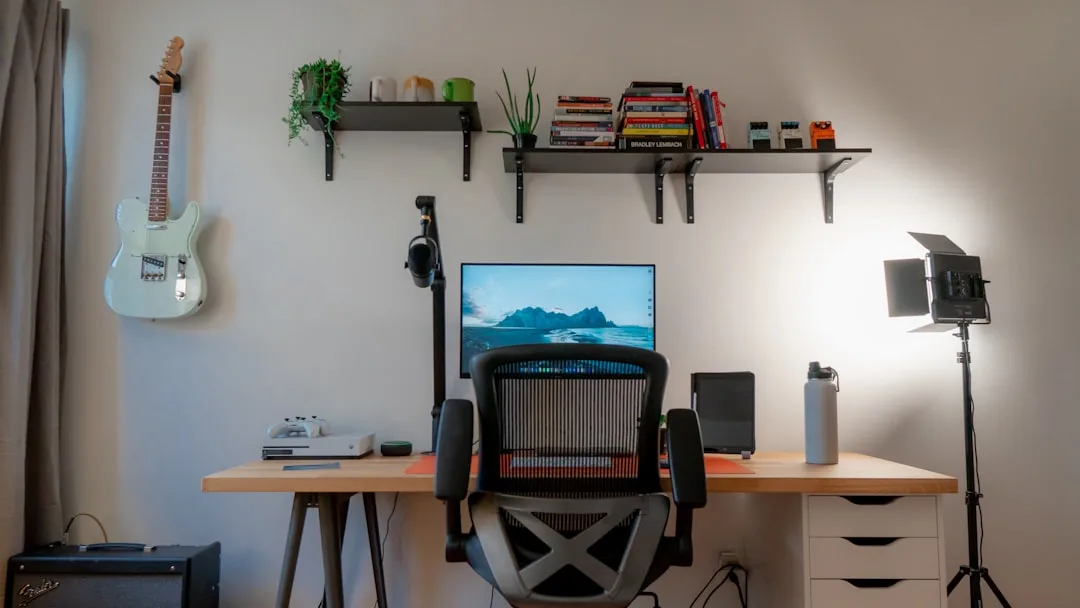
Here’s what nobody mentions when they talk about home office setup: the symptoms of bad desk placement are almost identical to the symptoms of needing glasses. Squinting, eye fatigue, a dull pressure behind the eyes by mid-afternoon — these get blamed on screen time, screen quality, blue light, and about twelve other things before anyone thinks to look at where the light is actually coming from.
The research that exists on this is worth taking seriously. The American Society of Interior Designers has documented that access to daylight in a workspace can improve productivity by up to 15% and meaningfully reduce complaints about eye strain. Not just mood. Not just general wellbeing. Actual task performance. Yet the positioning question — which direction does the light come from relative to your eyes and your screen — almost never gets asked at setup.
I watched this happen with a client in Wicker Park. Great loft, beautiful south-facing windows, desk pushed up against the longest wall because the room was narrow. By noon, direct sunlight was hitting the side of her monitor and the corner of her keyboard in a way that made the whole surface a glare trap. She’d been living with it for eight months. Assumed it was just “the price of an open floor plan.”
The reason this is so common: light behavior is not static. Glare and shadow shift dramatically throughout the day, which means a desk position that feels tolerable at 9am can become genuinely punishing by 2pm. The sun angle that clears your window frame in December may shoot directly across your desk in August. A single morning walk-through of your space tells you almost nothing about how that space behaves by mid-afternoon.
- Most people choose desk placement based on wall length, outlet proximity, and furniture flow — not light
- “Facing the window” is the most instinctive setup and the most problematic
- A position that works in morning light often fails catastrophically in afternoon direct sun
- Eye strain and afternoon headaches are light-placement symptoms, not screen-quality problems
- South-facing rooms are the most deceptive — beautiful in the morning, brutal by early afternoon
- Rooms that feel dim in winter often become high-glare environments in summer as the sun angle drops
The most important thing you can do before moving your desk is to sit in your current position at 2pm on a clear day and look at what the light is actually doing. That single observation is more informative than any floor plan.
What the 5-7 Light Rule Actually Means for Desk Placement

Most people who’ve heard of the 5-7 rule assume it’s a vague suggestion about “side lighting.” It isn’t. It’s a specific geometric principle, and the difference between understanding it loosely versus precisely is the difference between a desk that works and one that’s still slightly wrong.
The rule uses a clock face as a compass relative to your seated line of sight. Your screen is at 12 o’clock — the direction you’re looking. The 5-7 rule states that daylight should enter your visual environment from somewhere between the 5 and 7 o’clock position or the mirror equivalent on the morning side — meaning between roughly the 10 o’clock and 2 o’clock positions. What that excludes is equally important:
- 12 o’clock: Light directly in your line of sight — forward-facing window glare
- 6 o’clock: Light directly behind you — backlit screen, halo effect, silhouette on video calls
- 3 o’clock or 9 o’clock precisely: Pure perpendicular is actually the functional sweet spot, but the 5-7 range gives you workable latitude on either side
- Outside the arcs entirely: Any window positioned between 2 and 4 o’clock, or between 8 and 10 o’clock, creates oblique glare that’s harder to manage than either direct or perpendicular light
The rule originates from IESNA (Illuminating Engineering Society of North America) guidelines developed for task lighting in drafting rooms and industrial workstations — environments where the relationship between a work surface, a light source, and human eyes was studied with actual rigor. It was later adapted for screen-based work and office design, though most residential advice strips out the angular specificity and leaves you with “put the light to the side,” which isn’t precise enough to act on.
In practical terms: if you’re sitting facing north, a window on your east or west wall falls cleanly within the 5-7 zone. Either one works. If you’re facing east, a window on your south wall is closer to the 3-4 o’clock position — acceptable but slightly aggressive. A window on your north wall from that position is at approximately 10-11 o’clock. Also workable. What you cannot afford is a window at 12 or 6.
The 5-7 rule is a compass tool, not an aesthetic preference — and it was built specifically around the sensitivity of human visual contrast response, not around what looks good in a room. Correct positioning for natural light is almost always a question of angle first, distance second.
Actionable takeaway: Sit at your desk, look at your screen, then identify every window by its clock-face position relative to your line of sight. Anything outside the 5-7 and 10-2 arcs needs to be managed with film, blinds, or repositioning.
The Real Problem With Light Behind Your Desk
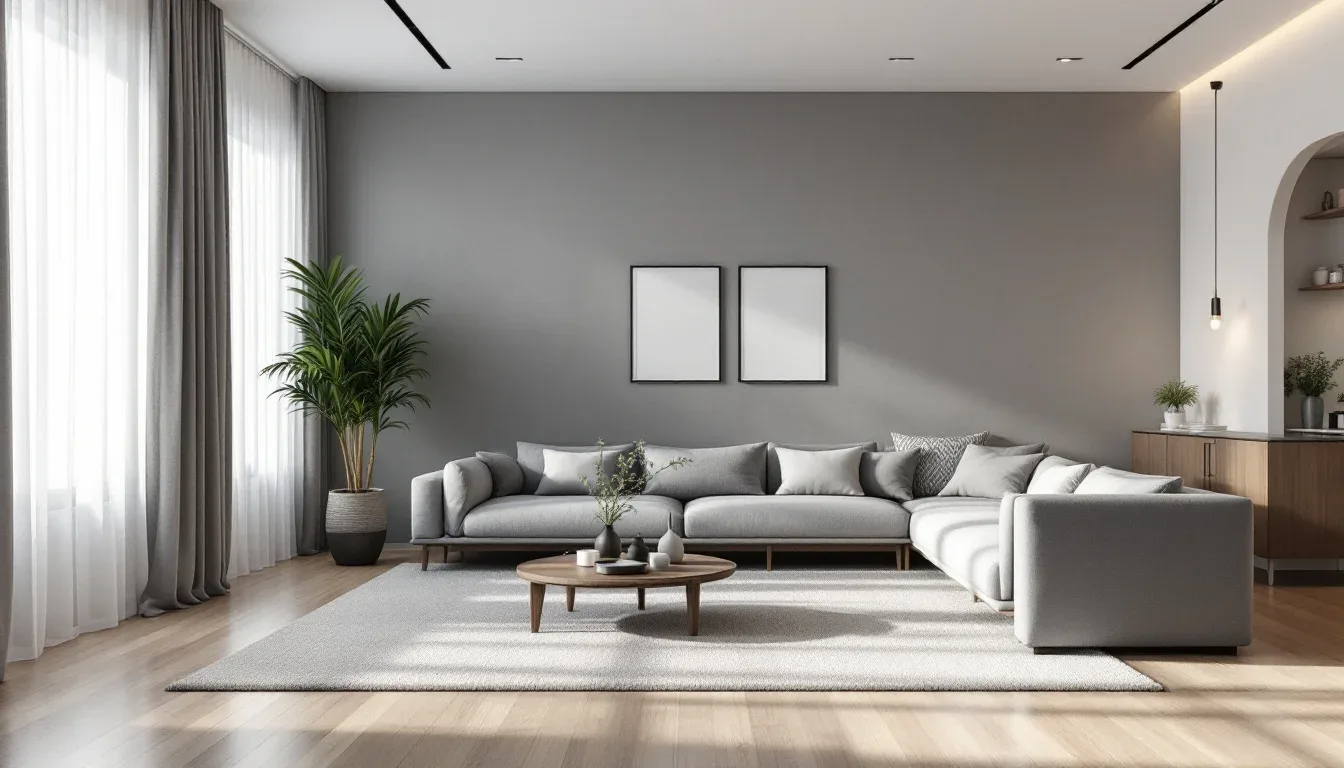
Back-lit desk setups are everywhere — and the logic that produces them is understandable. You’ve got a window, you don’t want to block it, you put the desk in front of it facing inward. Clean, practical, makes use of the wall space. The problem is what happens to your screen.
When background brightness significantly exceeds screen brightness, your monitor becomes a reflective surface rather than a display. This isn’t metaphorical. Your pupils contract in response to the bright light source behind your screen, which makes the screen itself appear dimmer by comparison — so you squint at it, lean forward, and increase brightness to compensate, which accelerates eye fatigue. Ergonomic display standards are specific on this: screen luminance should ideally stay within a 1:3 ratio relative to surrounding background brightness. A bright, unobstructed window behind your monitor can create a contrast ratio of 1:100 or worse. Your visual system cannot comfortably manage that gap for eight hours.
There’s a secondary problem that nobody talks about: video calls. When you sit in front of a window during a call, every participant on the other end sees a silhouette. Your face is underexposed because the camera is auto-balancing against the bright window behind you. This is a purely positional problem — no ring light compensates for a large, bright background source directly competing with your face. The fix isn’t equipment. It’s moving the desk so the window is beside you or, better, in front of you at enough distance that it acts as soft front fill rather than background wash.
When a window-behind setup is unavoidable — say, it’s the only wall with enough run, or the room layout genuinely won’t allow rotation — here’s how to manage it:
- Install solar film rated at 35–50% visible light transmission (VLT) on the window glass — this cuts glare without blocking the view entirely
- Use a high-brightness monitor (400 nits or above) and calibrate it to match ambient conditions rather than defaulting to maximum brightness
- Add a bias light behind the monitor — a strip of 6500K LED tape along the back edge of your screen reduces the perceived contrast between screen and background
- Keep a light-blocking roller blind accessible for the 11am–2pm window when direct sun is at its most aggressive
How Room Orientation Changes Everything
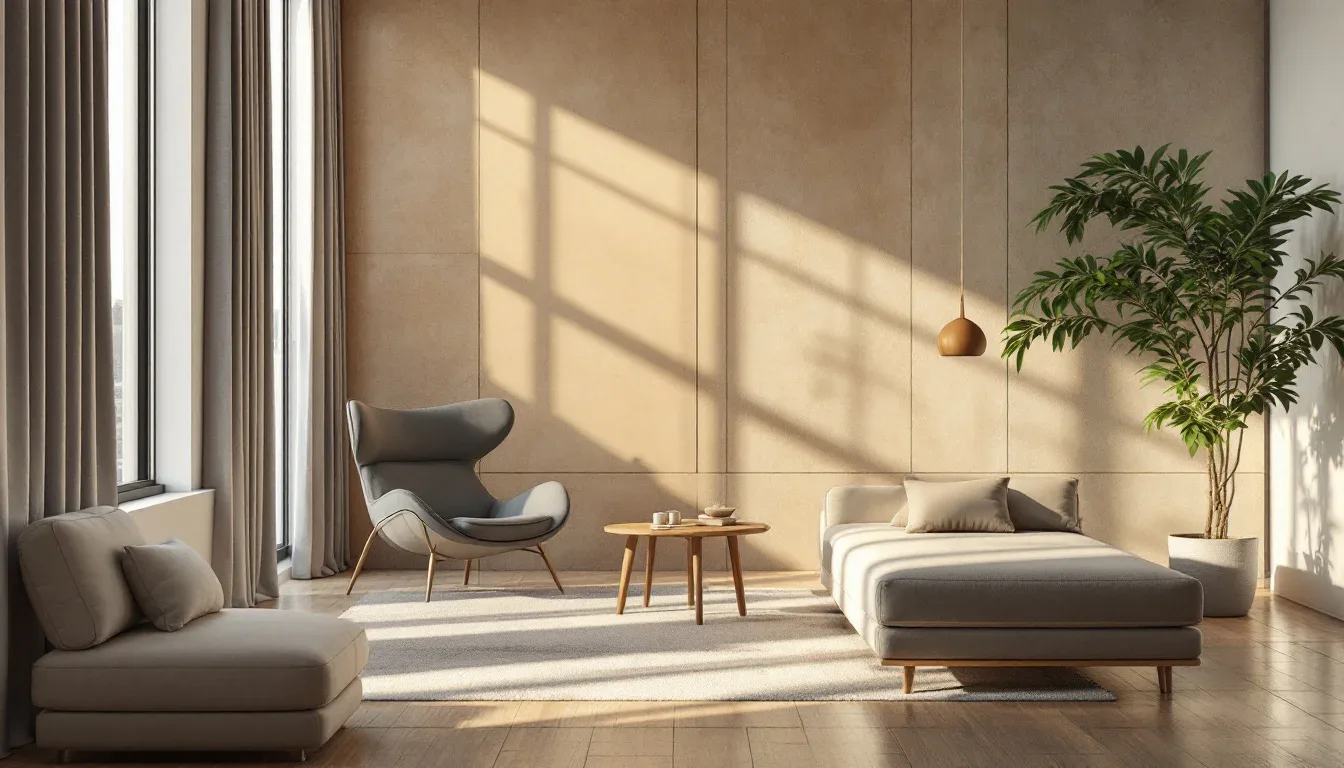
The cardinal direction your room faces determines the character of its light — not just the intensity, but the quality, temperature, and the hours during which glare becomes a real problem. Understanding your room’s orientation is the foundation of any smart approach to positioning a desk for natural light.
Here’s how each orientation behaves in practical terms:
North-facing rooms
- Consistent, low-intensity diffused light throughout the day
- No direct sun, which means almost no glare risk regardless of desk position
- Best rooms for monitor-heavy work — the light is even and manageable
- Can feel dim in winter; supplement with a daylight-balanced task lamp (5000–6500K)
South-facing rooms
- Maximum daylight hours and intensity — the most complex rooms to manage
- Direct sun tracks across the room from late morning through mid-afternoon
- A desk positioned along the east or west wall of a south-facing room typically works well
- Avoid placing the desk on the south wall itself unless you have strong window treatments
East-facing rooms
- Strong direct morning light, sharp glare risk before 10am
- Afternoons are comfortable and shadow-free
- Morning workers take note: east rooms are the most demanding in the first two hours of the day
- A perpendicular setup relative to the east window handles the morning light cleanly
West-facing rooms
- Low afternoon sun is the most visually aggressive light in any home
- Glare angle is steep and hits at eye level from roughly 2pm onward
- If your desk faces west or sits beside a west window without coverage, afternoon work becomes genuinely difficult
- Heavy cellular shades or exterior solar screens are the most effective solutions here
The Moves That Actually Fix It
Before committing to a furniture rearrangement, it helps to map the problem clearly. Most bad desk positions fall into one of three categories, and each has a specific corrective move.
Problem: Window directly in front of you
You’re facing toward the light. The window is at 12 o’clock. Your screen competes with a bright background and you squint through the afternoon.
- Rotate the desk 90 degrees so the window is at your 3 or 9 o’clock position
- If rotation isn’t possible, add frosted or solar window film to reduce the incoming intensity without losing the view
Problem: Window directly behind you
The light is at 6 o’clock. Your screen is backlit, your video call silhouette is dramatic, and your monitor brightness is cranked to compensate.
- Rotate 180 degrees so the window is now in front of you at a distance — this converts it from a background glare source to a soft front fill
- If the room won’t allow that, use the bias light and solar film combination described above
Problem: Window at an oblique angle (2–4 o’clock or 8–10 o’clock)
This is the subtlest bad position and the hardest one to diagnose. The glare is intermittent, shows up at specific times of day, and feels manageable until it suddenly isn’t.
- A small angular adjustment of 20–30 degrees often moves you into the workable 5-7 arc
- A directional desk lamp on the opposite side can balance the oblique source and reduce perceived contrast
One last point worth making: the ideal position for natural light isn’t always the position that feels best in the room aesthetically. Sometimes the desk needs to float away from the wall, or sit at an angle, or face a direction that feels counterintuitive. The spatial awkwardness of a desk positioned for function rather than symmetry is a real thing — and it’s almost always worth accepting.
Frequently Asked Questions
Is it better to have the window on the left or right side of my desk?
For most right-handed people, the window on the left is marginally preferable — it reduces the shadow cast by your writing hand across the work surface. For left-handed people, the right side works better for the same reason. For screen-based work, the difference is minimal. Either side within the 5-7 arc works well; the angle matters more than which side.
My room only has one window and it’s directly behind my desk. What are my options?
You have three practical paths: rotate the desk to face the window at a distance (the light becomes front fill rather than backlight), apply 35–50% VLT solar film to reduce the intensity of the window, or add a high-brightness monitor with bias lighting behind the screen to close the contrast gap. In most cases, the rotation option produces the cleanest result if the room allows it.
How far should my desk be from a window?
There’s no fixed rule, but 4–6 feet from a side window is generally workable. Too close to a side window and oblique glare becomes a problem even at the correct angle. Too far and you lose the diffusion benefit of natural light entirely. For a front-facing window used as fill light, 6–10 feet gives you enough distance that the light spreads before it reaches your face and screen.
Does window size matter as much as window position?
Yes, and it’s often overlooked. A large window at a bad angle creates more problems than a small window at the same angle. Conversely, a small window in the ideal position may not deliver enough light to matter. The position question takes priority, but once position is optimized, window coverage relative to wall area becomes the next variable — which is where light-diffusing sheers become genuinely useful tools rather than just decorative ones.
What if I’m renting and can’t move walls, add film, or make permanent changes?
Removable solar film exists and is renter-safe — it installs with static cling and removes cleanly. Beyond that, the most effective rental-friendly adjustments are positional: rotating the desk, changing which wall it sits against, and using freestanding room dividers or tall bookshelves to block or redirect aggressive light sources. A well-placed bookshelf can function as a baffle that breaks up direct sun without touching a single wall.
Is it better to have the window on the left or right side of my desk?
For most right-handed people, the window on the left is marginally preferable — it reduces the shadow cast by your writing hand across the work surface. For left-handed people, the right side works better for the same reason. For screen-based work, the difference is minimal. Either side within the 5-7 arc works well; the angle matters more than which side.
My room only has one window and it’s directly behind my desk. What are my options?
You have three practical paths: rotate the desk to face the window at a distance (the light becomes front fill rather than backlight), apply 35–50% VLT solar film to reduce the intensity of the window, or add a high-brightness monitor with bias lighting behind the screen to close the contrast gap. In most cases, the rotation option produces the cleanest result if the room allows it.
How far should my desk be from a window?
There’s no fixed rule, but 4–6 feet from a side window is generally workable. Too close to a side window and oblique glare becomes a problem even at the correct angle. Too far and you lose the diffusion benefit of natural light entirely. For a front-facing window used as fill light, 6–10 feet gives you enough distance that the light spreads before it reaches your face and screen.
Does window size matter as much as window position?
Yes, and it’s often overlooked. A large window at a bad angle creates more problems than a small window at the same angle. Conversely, a small window in the ideal position may not deliver enough light to matter. The position question takes priority, but once position is optimized, window coverage relative to wall area becomes the next variable — which is where light-diffusing sheers become genuinely useful tools rather than just decorative ones.
What if I’m renting and can’t move walls, add film, or make permanent changes?
Removable solar film exists and is renter-safe — it installs with static cling and removes cleanly. Beyond that, the most effective rental-friendly adjustments are positional: rotating the desk, changing which wall it sits against, and using freestanding room dividers or tall bookshelves to block or redirect aggressive light sources. A well-placed bookshelf can function as a baffle that breaks up direct sun without touching a single wall.