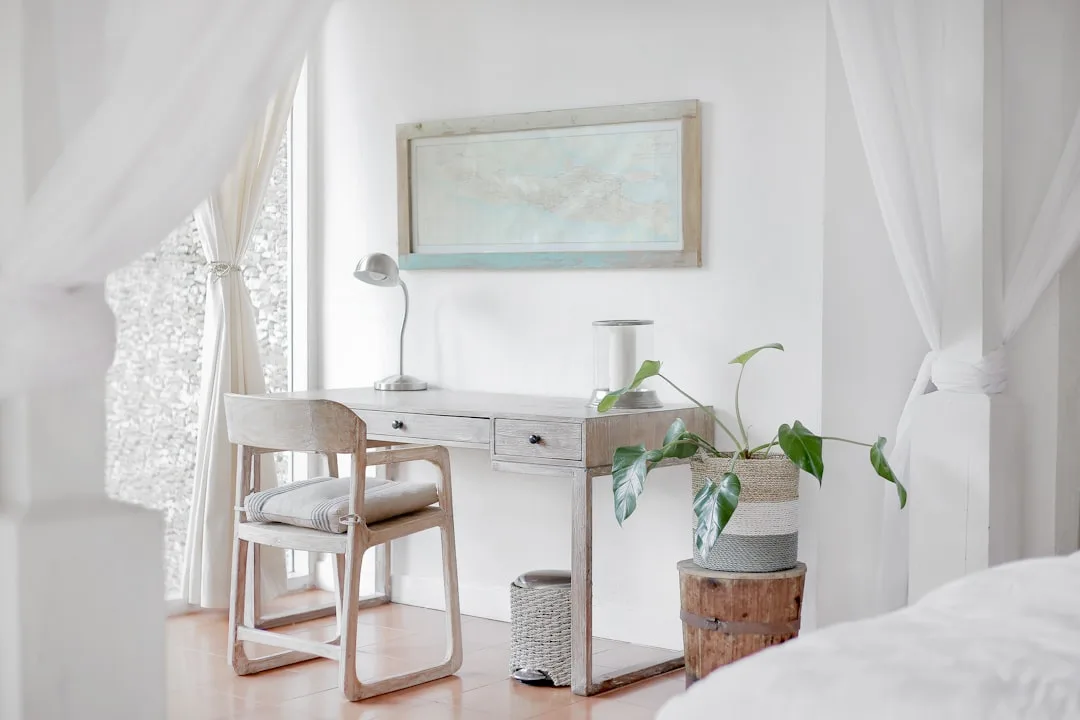
The average remote worker spends 5.8 hours a day at a desk inside the same four walls where they sleep — and most of them have never been told that where the desk sits in that room is the difference between a bedroom that restores them and one that quietly exhausts them. Setting up a home office in bedroom corner space is one of the most common solutions people land on, and when it’s done right, it’s also one of the most effective — because a corner gives the workspace defined edges, natural containment, and a boundary the brain can actually learn to respect.
Quick Answer
The average remote worker spends 5.8 hours a day at a desk inside the same four walls where they sleep — and most of them have never been told that where the desk sits in that room is the difference between a bedroom that restores them and one that quietly exhausts them.
Most bedroom workspace guides skip this entirely. They show you a beautiful corner desk with a trailing plant and a linen-covered chair, and they call that advice. What they’re not telling you is that the desk placement, the lighting temperature, the sight lines from your pillow — these aren’t aesthetic choices. They’re neurological ones. Get them wrong and you’ve built yourself a room that keeps you vaguely wired at midnight and vaguely distracted at noon, without ever knowing why.
I spent eleven years designing interiors in Chicago and New York — apartments mostly, because that’s where the hard spatial problems live. I made expensive mistakes on behalf of clients who trusted me. This guide is built on what those mistakes taught me about how people actually inhabit rooms that have to do more than one thing.
Why the Sleep-Work Boundary Matters More Than the Desk You Pick
In This Article
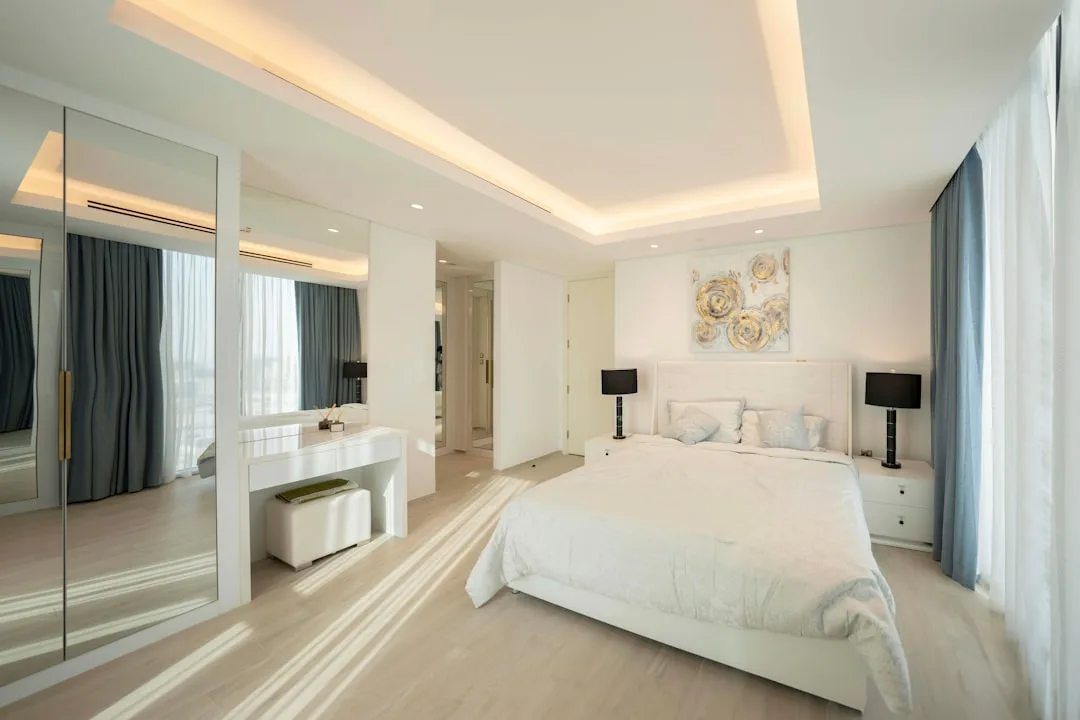
Here’s what almost no one says plainly: the primary design challenge in a bedroom workspace is psychological, not spatial. You can fit a desk into 40 square feet. What you cannot easily fit is a brain that switches cleanly between focused work and restorative rest while staring at the same ceiling.
Your brain builds associations with spaces over time — a process sometimes called contextual conditioning. Repeatedly working at a desk in your bedroom doesn’t just make you productive there. It begins to make the room itself feel like a place of obligation. The bed starts to carry that association too. You lie down and your nervous system wonders, dimly, whether it should be doing something.
A 2023 Sleep Foundation study found that 68% of remote workers who use their bedroom as a workspace report difficulty falling asleep, compared to 32% of those with a dedicated room. That gap — 36 percentage points — is not explained by mattress quality or screen time alone. It’s about what the room has trained the brain to expect.
Most bedroom workspace failures I’ve seen firsthand weren’t caused by insufficient square footage. They were caused by a desk pushed against the wrong wall, visible from the pillow, lit by overhead light that never fully turned off, with cables snaking across the floor and papers spread across the nightstand. The room never stopped being a workplace. So the person never stopped being a worker.
The principle that changes this is visual containment — the idea that a workspace should read as a single cohesive zone with defined edges, rather than a set of objects scattered through the room. When the workspace has a clear boundary, the brain can learn to treat it as a separate territory. Cross into it, you’re at work. Leave it — physically and visually — and the bedroom reasserts itself.
Before you buy anything, do this audit:
- Stand at the foot of your bed and scan the room. Can you see the desk? The monitor? Any cables? Any stack of papers?
- Lie down in your sleeping position. What’s your direct sightline? If the desk is in it, that’s the first problem to solve.
- Notice the lighting at night. Does your desk lamp throw light onto the ceiling or bed area when it’s on?
- Check for spread. Are work objects — chargers, notebooks, headphones — living outside the desk zone?
- Look at the wall above and around the desk. Pinboards, sticky notes, and whiteboard panels visible from the bed extend the psychological footprint of the workspace beyond the desk itself.
- Check the floor. A chair mat, a cable strip, or even a distinct area rug under the desk zone sends the brain a spatial signal — this territory is different from the rest of the room.
Any “yes” in that audit is a design problem, not a willpower problem. Fix the room, and you don’t have to white-knuckle the transition to sleep.
Actionable takeaway: Do the pillow test tonight — lie down and note exactly what you can see. That sightline is your first design constraint.
Measuring Your Bedroom Corner Before You Plan Anything Else
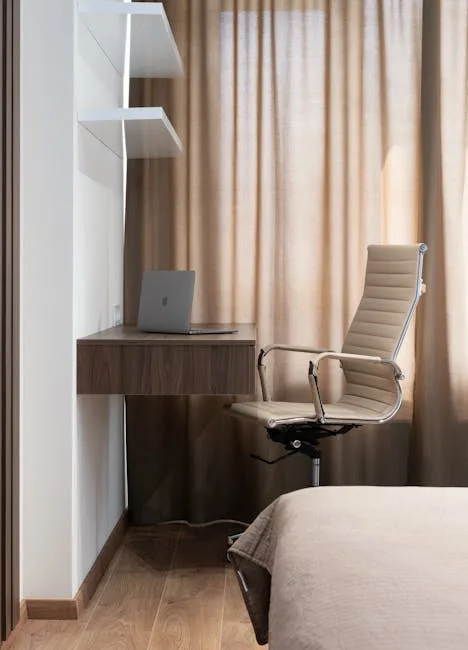
Competitors tell you to “use an alcove” or “tuck a desk into the corner” without once mentioning what makes that viable. I’ve seen clients buy desks based on a photo and a hopeful eyeballing of their room. It never ends well. One of them — an editor in a Wicker Park one-bedroom — spent $800 on a corner unit that left her 18 inches of walking clearance on one side. She lasted three weeks before we had to resell it.
Measurement is the only foundation that doesn’t fail you. Here’s what you actually need to know before planning a home office in bedroom corner configurations — because a corner that looks spacious can become a trap once the furniture arrives.
Start with minimum ergonomic depth. OSHA’s ergonomic guidance recommends 20–40 inches of distance from eyes to screen — which means a desk surface needs enough depth that the monitor can sit far enough back once a keyboard and wrists are accounted for. That puts the practical minimum at 24 inches of depth from the wall to the front edge of the desk surface. Shallow floating shelves sold as “desk alternatives” almost always fail this test. A 12-inch shelf puts a monitor 12 inches from your face. That is not a workspace. That is a headache you’re paying for in installments.
For walking clearance, the ADA guideline of 36 inches as minimum pathway width is the most useful standard to borrow here. You don’t need to comply with ADA in your apartment, but the 36-inch rule exists because it’s the minimum humans can move through without constantly negotiating space. Measure the distance between your planned desk edge and the nearest obstacle — bed frame, dresser, door swing. If it’s under 36 inches, you’ll feel it every day in ways you can’t fully articulate.
Here’s a practical measurement checklist to run through before purchasing anything:
- Corner width on each wall: Measure both legs of the corner separately — from the corner point to the nearest door frame, window casing, or piece of furniture. Write both numbers down. Most L-desk product listings show total width, not per-leg width.
- Ceiling height at the corner: Relevant if you’re considering wall-mounted shelving or a hutch component above the desk. A 7-foot ceiling handles a hutch differently than an 8-foot one.
- Baseboard depth: Often 3–4 inches, which affects how flush a desk or cabinet can sit against the wall. Desks with a solid back panel frequently can’t push fully against the wall because of baseboard protrusion.
- Outlet locations: Map every outlet in the corner and within 6 feet of it. Running extension cords across high-traffic floor space is both a tripping hazard and a visual noise problem.
- Door swing radius: Use a compass or a string to trace the full arc of any door that opens into or near the corner. This is the single measurement people skip most often and regret most reliably.
- Natural light source direction: Note which wall the window is on relative to the corner. This determines whether you’ll be working with light at your back, your side, or directly in your eyes — which affects monitor placement and glare.
The shadow test is the single most underused pre-purchase tool I know. Use painter’s tape to mark out the exact footprint of the desk you’re considering — width, depth, and the full swing arc of the chair — on the floor. Live with that tape for 24 hours. Walk the room. Notice what it blocks, what clearances it eats, whether the door still opens fully. This takes 15 minutes and has saved more than a few clients from expensive mistakes.
One thing most guides don’t warn you about: corner angles. Architectural corners in older buildings — especially pre-war Chicago apartments and converted NYC lofts — are frequently not true 90 degrees. They look square. A measuring tape and a speed square will tell you otherwise. An L-shaped desk engineered for a true 90-degree corner will leave a gap, sit slightly twisted, or simply not fit when the actual angle is 87 or 93 degrees. Measure the angle before purchasing any corner-specific furniture.
Actionable takeaway: Tape your desk footprint on the floor before you buy. Walk it for a full day. If the tape bothers you, the desk will bother you more.
Choosing the Right Desk Configuration for a Bedroom Corner

Not every corner desk is a bedroom corner desk. The distinction matters more than most furniture guides acknowledge, because a home office in bedroom corner space has constraints that a dedicated office corner doesn’t — noise containment, visual containment at night, the need to read as “off” when you’re not working, and the practical reality that you’re getting dressed, making the bed, and moving through the same space every morning before your first meeting.
The three configurations worth seriously considering:
The L-shaped desk is the most spatially efficient option when the corner angle is true and the room has enough clearance on both legs. The diagonal corner section — often wasted space on L-desks used in open offices — becomes genuinely useful in a bedroom because it’s where you can park the monitor back far enough to meet ergonomic depth requirements, while keeping the two extending surfaces for keyboard work and secondary tasks. The problem: L-desks are heavy, hard to move, and commit you to a configuration. If you’re renting or expect to reconfigure, this is a long bet.
The floating corner shelf system works well in smaller bedrooms where floor clearance is tight and visual weight needs to stay low. A wall-mounted desk surface at the correct height — elbow level when seated, which for most people is 27–29 inches from the floor — with open space beneath it keeps the room feeling less occupied. The tradeoff is storage: floating systems rarely give you the drawers and cable management channels that a standing desk or traditional unit offers. You have to plan storage separately, and separately-planned storage tends to spread.
The modular desk with corner connector splits the difference. Two straight desk sections joined by a corner connector piece give you flexibility — the sections can be reconfigured or separated if you move. They don’t always align as cleanly as a purpose-built L-desk, and the connector joint can feel unstable if the two sections aren’t the same height and depth. But for renters or people who move frequently, this is often the most practical long-term choice.
What to rule out immediately:
- Desks under 24 inches deep. Already covered under ergonomics, but worth repeating here as a hard filter.
- Desks with overhead hutches that extend above eye level when seated. In a bedroom, any structure that rises above the desk surface and sits in your field of view from the bed increases the visual footprint of the workspace — the opposite of containment.
- Glass-top desks in small bedrooms. They read as lighter visually, but they show every cable, every object placed on or under them, and every water ring. The transparency that makes them feel airy in a showroom makes them feel cluttered in a lived-in room.
Lighting the Corner Without Wrecking Your Sleep
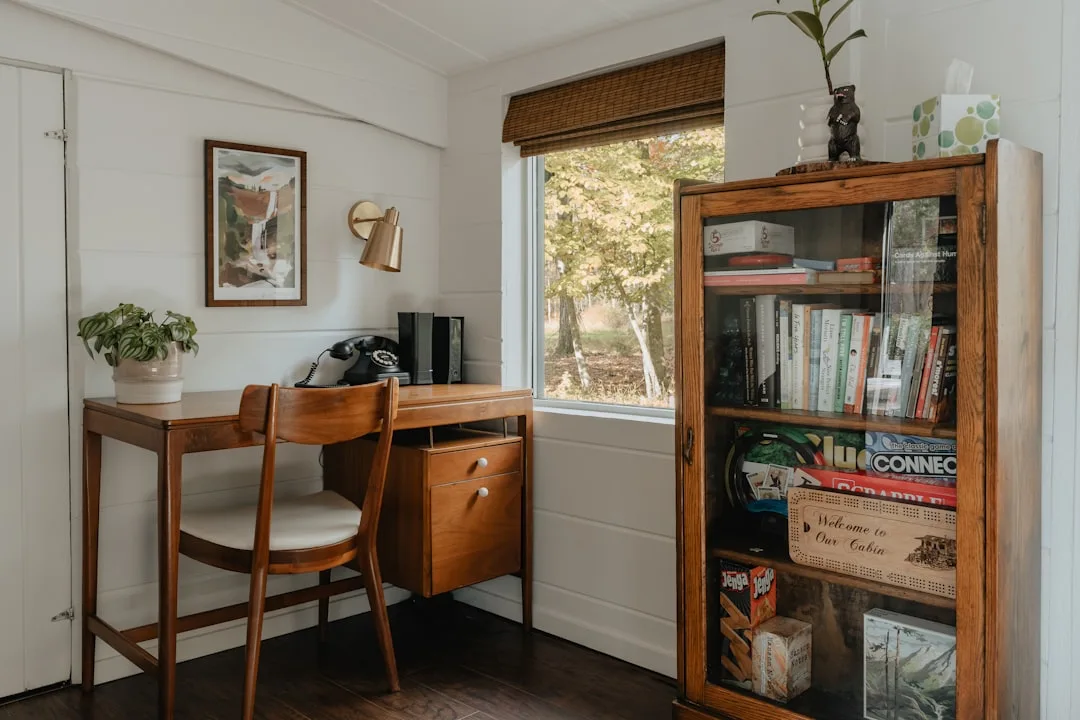
Lighting is where most bedroom workspace setups quietly fail. People buy a desk lamp, put it on the desk, and consider the problem solved. What they’ve actually done is install a 3000–4000K light source that will fire directly into their eyes for eight hours and then stay on as ambient light while they try to wind down.
The problem is color temperature. Blue-spectrum light — the kind produced by most LED desk lamps and all monitors at default settings — suppresses melatonin production. This is well-documented. What’s less commonly explained is that the suppression isn’t primarily caused by staring at a screen. It’s caused by the light reaching the lower half of your retina, which is neurologically wired to interpret overhead and ambient blue light as “daytime.” A desk lamp positioned at or above eye level, throwing blue-white light into the room, is telling your nervous system it’s noon.
The fix has two parts:
First, separate your task lighting from your ambient lighting. Your desk lamp should light your work surface, not the room. A lamp with a focused, downward-directed beam — an adjustable arm lamp with a shade that cuts off light spread — keeps the light where you need it and out of the rest of the room. This also means the light doesn’t hit your bed or ceiling when it’s on in the evening.
Second, control color temperature by time of day. For daytime work, a desk lamp with a color temperature of 4000K (neutral white) supports focus. After 6 p.m. — or whenever your personal wind-down begins — switch to a lamp in the 2700–3000K range (warm white). Several adjustable desk lamps now offer color temperature presets; this is one feature worth paying for in a bedroom workspace.
For the corner setup specifically:
- Position the lamp on the side of your non-dominant hand to avoid casting a shadow across your work surface.
- Use a secondary warm lamp — a small table lamp or floor lamp — at the far end of the bedroom to create ambient light that isn’t coming from the workspace zone. This lets you light the room for evening activities without turning on the desk lamp.
- Install a smart plug or simple timer on the desk lamp so it can’t accidentally stay on past a set hour. This is less about technology and more about removing the decision from yourself at the end of a long day.
- Consider bias lighting behind the monitor — a low-wattage LED strip at the back of the monitor, set to 6500K during the day and 2700K in the evening. It reduces eye strain by decreasing the contrast between screen and surrounding room, and it keeps the overall light level in the workspace lower.
Actionable takeaway: Replace your desk lamp with one that has a color temperature control. Set it below 3000K after dinner, every night, as a non-negotiable.
Containing the Workspace So It Stays in the Corner
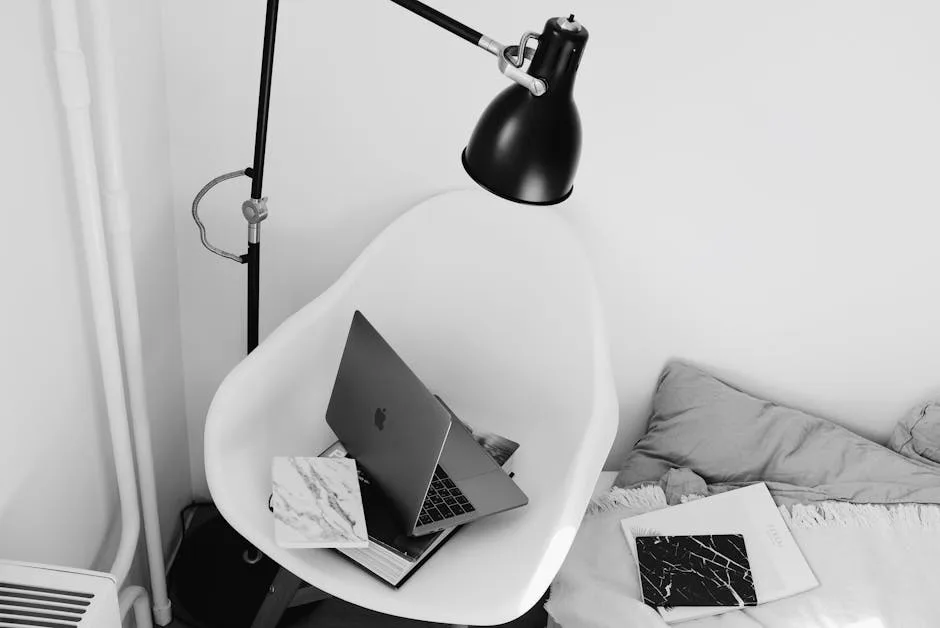
The desk is only the anchor. What expands the workspace into the rest of the room isn’t the desk itself — it’s the objects that don’t have a place on the desk and end up finding their own places on the nightstand, the dresser, the floor beside the bed.
This is the containment problem, and it’s fundamentally a storage problem disguised as a discipline problem. People don’t spread work objects around the bedroom because they’re disorganized. They spread them because the workspace doesn’t have enough storage to hold everything the job actually requires.
Before specifying storage, list what the workspace needs to contain:
- Primary work device (laptop or desktop and peripherals)
- Secondary devices (tablet, phone, external drive)
- Cables and chargers — both in-use and backup
- Reference materials: notebooks, printed documents, manuals
- Consumables: pens, sticky notes, paper clips
- Work-specific items that vary by profession: samples, proofs, physical files
Most corner desks are designed for the first two categories and leave the rest to improvise. The improvisation always spills.
Containment strategies that work in practice:
- A cable management box mounted to the underside of the desk or to the wall inside the corner. Visible cables are the single most reliable indicator that a workspace has escaped its zone. One cable on the floor becomes five. A box with a hinged lid that holds a power strip and excess cable length eliminates this entirely.
- A single shallow drawer unit on casters that tucks fully under the desk. Casters matter: you want to be able to pull it out for access and push it completely out of sight. A drawer unit that partially protrudes because it’s slightly too wide becomes a permanent obstacle.
- A wall-mounted organizer inside the corner above the desk for reference materials. The key word is “inside” — mounted on the wall within the workspace zone, not extending laterally into the room’s sightlines. A simple two-pocket file holder screwed to the wall costs eight dollars and keeps papers off the nightstand permanently.
- A charging station with dedicated slots for every device, positioned at the back corner of the desk where cables terminate and stay. When devices have assigned spots, they stop traveling.
- A designated “end of day” ritual object. This sounds soft, but it’s structurally useful: a small tray, a specific notebook, a physical cover for the laptop — something you interact with at the end of the workday that signals closure. Closing the laptop lid and sliding it into the tray is a physical act that tells the brain the zone is deactivated. It works because it’s consistent and embodied, not because it’s meaningful in itself.
Actionable takeaway: Count your cables before specifying storage. Every cable needs a home before you set up the desk, not after.
Frequently Asked Questions About Setting Up a Home Office in Bedroom Corner Space
Q: Is it actually bad for sleep to have a desk in your bedroom, or is that overstated?
The short answer is: it depends heavily on how the workspace is set up, not just whether it exists. The 68% sleep difficulty figure cited earlier applies to bedroom workspaces in general — but poorly designed ones account for a disproportionate share of that number. A home office in bedroom corner space that’s properly contained, visually separated from the sleeping area, and equipped with controlled lighting performs very differently from a desk shoved against the bed on the same wall as the pillow. The research consistently points to visibility from the bed and workspace “spread” as the primary drivers of sleep disruption, not desk presence alone. If you can’t see the desk from your pillow and the room doesn’t feel like an office when the work day ends, the neurological impact is substantially reduced.
Q: What’s the minimum room size where a bedroom corner office setup actually works?
In practice, 120 square feet is the lower threshold where this remains comfortable rather than just technically possible. Below that, the desk footprint and chair clearance begin competing with the bed and the path to the door in ways that create constant spatial friction. That said, room shape matters as much as total square footage — a narrow 100-square-foot room with a good corner and a wall-mounted floating desk can work better than a 130-square-foot square room where the corner is occupied by a closet or bisected by a door swing. Run the tape test before deciding the room is or isn’t viable.
Q: How do I handle video calls when my bedroom is also my office?
Camera angle and background are the two variables to control. Position your monitor so the camera faces a wall rather than the bed — in a corner setup, this usually means sitting facing into the corner, which naturally puts the wall behind you rather than the room. A simple background panel, a bookshelf styled with non-bedroom objects, or even a freestanding privacy screen behind the chair can neutralize the visual signal that you’re calling from a bedroom. The bigger issue is sound: bedrooms with soft furnishings (curtains, upholstered headboards, rugs) actually tend to have better acoustics for calls than hard-surfaced offices. Use that to your advantage.
Q: Should the desk face the wall or face the room?
For a home office in bedroom corner space, facing the wall — into the corner — is generally the better configuration for both containment and focus. It positions the monitor away from the bed’s sightline, concentrates the visual density of the workspace into the corner rather than spreading it across the room, and gives you a natural “exit” when you push back the chair and turn around: you’re leaving the workspace and facing the bedroom. The main argument for facing the room is light — some people find it easier to manage natural light when their back is to the window. If that’s the case, a monitor hood or anti-glare screen is a better solution than reorienting the entire desk.
Q: What’s the best way to visually separate the workspace from the sleeping area without building a wall?
Four approaches work consistently. A bookcase or open shelving unit positioned perpendicular to the wall creates a partial visual divider without blocking light or making the room feel smaller. An area rug under the desk zone — in a color or texture distinct from the rest of the bedroom floor — creates a floor-level territorial signal that the brain registers without consciously processing. A curtain panel on a ceiling-mounted track, which can be drawn across the workspace at night and opened in the morning, gives you a complete visual barrier that disappears entirely when not in use. And simply painting the corner wall a different — deeper, more saturated — color than the rest of the room creates a zone distinction that works in photographs, in person, and, importantly, from the pillow. Used in combination, even two of these four approaches produce a noticeably stronger boundary than any single method alone.