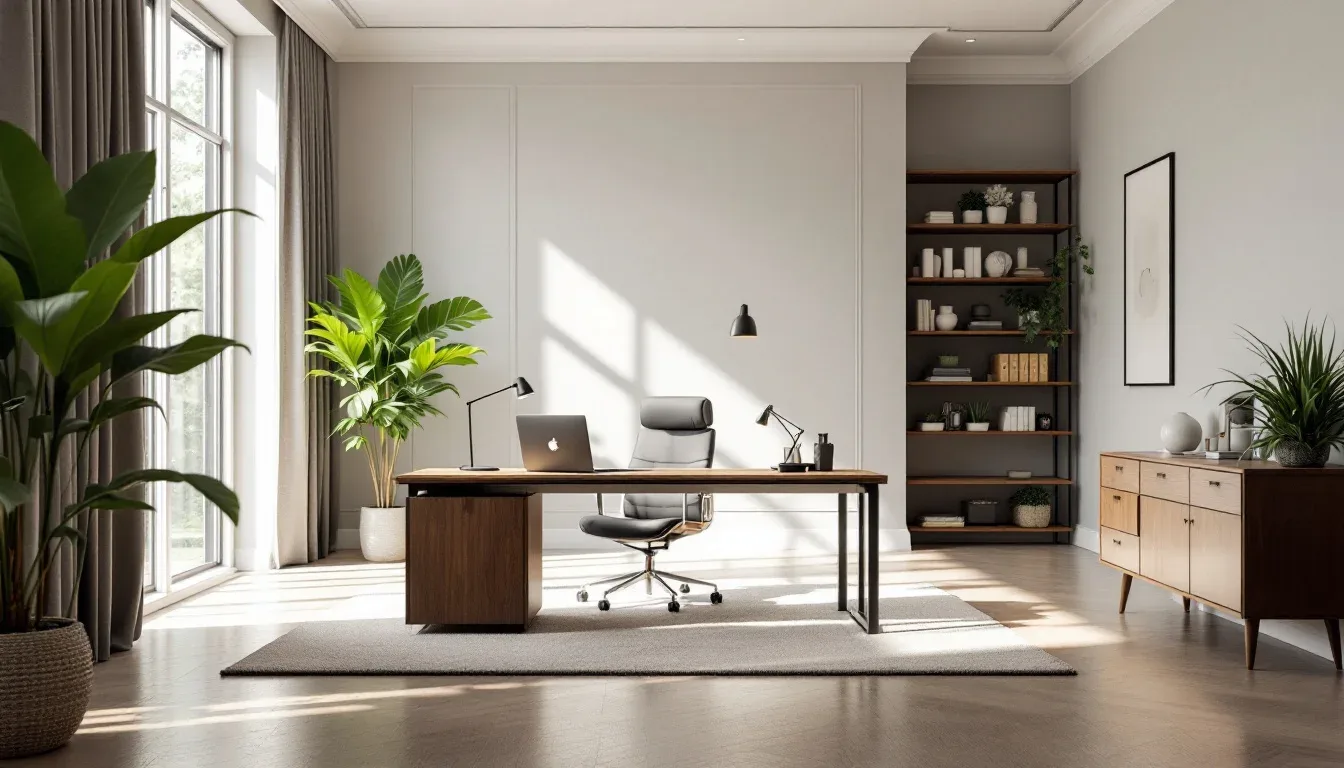
Setting up a home office without a door is not a consolation prize — it’s a design problem with real solutions, and most people are solving the wrong problem entirely. The door you don’t have might actually be doing your home office a favor — most enclosed office setups fail not because of noise, but because the space was never properly defined in the first place, door or no door. I spent eleven years walking into apartments where someone had crammed a desk into a spare bedroom with a working door and still couldn’t get anything done, because the room had no identity. No clear purpose signal. Just four walls and a surface covered in charging cables. A door closes. It doesn’t design. Those are two completely different jobs, and confusing them is why so many home offices — doorless or not — become expensive storage rooms within three months.
Quick Answer
The door you don’t have might be doing your home office a favor — most enclosed office setups fail not because of noise, but because the space was never properly defined in the first place, door or no door.
What follows isn’t a listicle of “8 places to shove a desk.” It’s a framework for building a home office without a door that actually functions — one that tells your brain you’re working when you sit down, and tells the rest of your household that you’re not available. Both of those things are achievable without a single hinge.
What a Doorless Home Office Actually Needs to Function
In This Article
Most people approach a doorless office as a subtraction problem. No door means less privacy, less quiet, less legitimacy. That framing is the first thing to fix. A doorless office is an addition problem — you’re adding three specific things that a door normally handles automatically.
The three functional pillars are visual separation, acoustic buffering, and a psychological entry cue. Every working doorless office I’ve seen gets all three right. The ones that get abandoned within a month — and I’ve seen plenty of those too — usually nail one, ignore the other two, and wonder why they still can’t focus.
Visual separation means your eye reads the office zone as distinct from the surrounding space. It doesn’t require walls. It requires a clear edge — a rug boundary, a bookcase spine, a flooring change, a pendant light overhead. Something that makes your brain register “this is different.”
Acoustic buffering is not the same as soundproofing. You’re not building a recording studio. You’re reducing the sensory bleed between your workspace and the rest of your home enough that you can hold a thought for longer than forty seconds. Soft materials do that. So does strategic furniture placement.
The psychological entry cue is the one nobody talks about. A door gives you a ritual — open it, cross the threshold, close it behind you. Without one, you need something that replaces that signal. It could be a specific lamp you turn on. A curtain you pull. A rug you step onto. The physical gesture matters more than the object. Research consistently shows that remote workers in dedicated spaces — even small ones — report significantly higher focus than those working from shared open areas, and the key finding is that the definition of the space matters as much as its size.
The difference between a doorless office that lasts and one that gets abandoned is almost always this: did the person design all three pillars, or just buy a desk and hope for the best?
Actionable takeaway: Before buying anything, write down what you currently have for each pillar — visual separation, acoustic buffer, entry cue — and identify the one that’s completely missing. Start there.
What Can I Put Instead of a Door? (Ranked by Privacy Level)
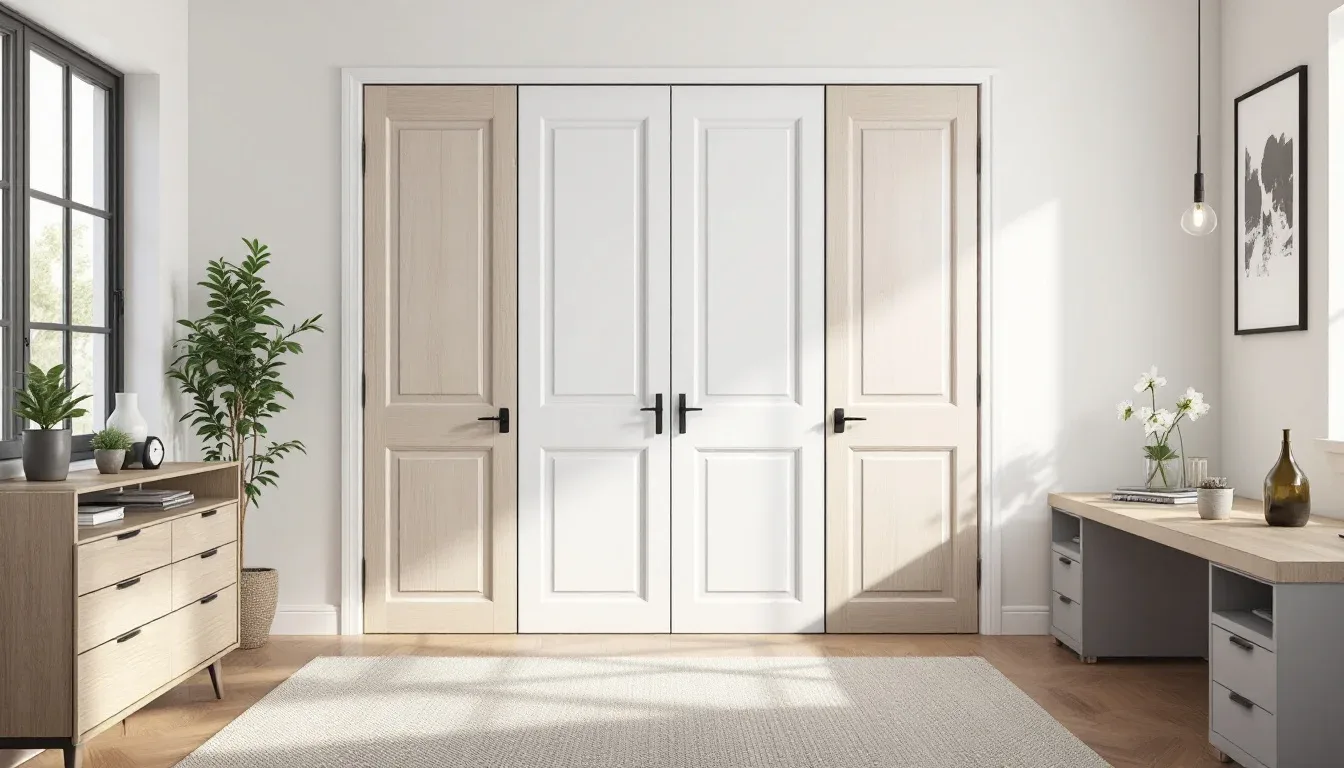
This is the question I get most often, and the answer I always give first is: it depends entirely on two things — how loud your household is during work hours, and how many video calls you’re on per week. Those two variables should drive every decision in this section.
High Privacy
Floor-to-ceiling bookcase dividers are the strongest non-door option and the one I’d recommend first for anyone sharing space with kids, a partner who works from home, or roommates. A Billy bookcase from IKEA at full height with a Oxberg door panel costs under $300 and creates a genuine visual barrier — one that also absorbs sound when loaded with books. Stack two units side by side and you’ve built a wall.
Shoji-style sliding panels have a similar effect and photograph beautifully, though they’re more expensive when done properly. Frosted glass partitions require a track system but allow light to pass — a meaningful feature if your office alcove is the only naturally lit space in the room.
Quick comparison of high-privacy divider options:
- Floor-to-ceiling bookcases — $150–$400, doubles as storage, absorbs sound when filled, permanent-feeling
- Shoji sliding panels — $300–$900, visually light, requires wall-mounted track, best in modern or Japanese-influenced spaces
- Frosted glass partitions — $500–$1,500+, passes light, requires professional installation, most architectural result
- Barn door on ceiling track — $200–$600, works in industrial or farmhouse interiors, genuinely closes the space, easy DIY install
Medium Privacy
Open shelving walls with layered plants threaded through them create visual separation without full enclosure — good for people who feel claustrophobic behind heavy dividers. Curtain tracks mounted to ceiling-mounted rods (not tension rods — they fall) give you the ability to close the space when needed and open it when not. Half-walls topped with frosted acrylic panels are a more architectural solution and work particularly well in apartments with high ceilings.
Medium-privacy options worth considering:
- Ceiling-track curtain panels — linen or velvet both work; linen keeps it airy, velvet adds meaningful sound dampening
- Open shelving with dense plant placement — works best with larger-leafed plants like monsteras or fiddle-leaf figs; trailing plants don’t block sightlines effectively
- Half-wall with acrylic topper — requires basic carpentry but can be done without permits in most jurisdictions; the acrylic keeps it feeling open while still marking the boundary
- Pegboard wall panel — functions as a room divider and vertical storage; painted in a single dark color, it reads as a proper partition rather than a craft room accessory
Low Privacy, High Visual Boundary
Sometimes the goal isn’t true privacy but a clear visual identity for the zone. A consistent flooring material change — say, hardwood in the office zone where there’s carpet everywhere else — signals separation without any vertical element. An arched opening framing a desk nook makes the alcove feel architectural and intentional. A statement pendant light hung directly over the desk creates a “room within a room” effect that surprises people with how well it actually works.
Low-effort, high-impact visual boundary markers:
- A large-format area rug under the desk zone, at least 8×10, ideally in a color or pattern distinct from surrounding flooring
- A single pendant light centered over the desk — the cone of light defines the territory
- Paint the back wall of the alcove a different color from the surrounding room; even one degree of contrast reads as intentional
- A consistent desk-height plant row along the open edge — three to five plants in matching pots creates a soft but readable perimeter
On Houzz, bookcase dividers and curtain-panel room dividers are the two most-saved solutions for doorless offices, with curtain panels growing 34% in saves year over year — which tracks with what I see clients gravitating toward. Curtains are reversible, affordable, and don’t require a contractor.
Actionable takeaway: If you’re on more than three video calls a day, go high privacy. If your household is quiet between 9 and 5, a visual boundary is enough — spend your money on acoustics instead.
Why Designers Are Pulling Doors Off Closets to Build Offices
This trend has a name — the “cloffice” — and while the name is unfortunate, the logic behind it is genuinely sound. I resisted it for years because the word made it sound like a compromise. Then I converted a client’s reach-in closet in a Wicker Park one-bedroom and watched her productivity transform. She closed the curtain and suddenly she was at work.
A reach-in closet is the ideal home office without a door shell because it already does three things: it gives you a back wall at desk height, it creates a visual frame around the workspace, and it has an implied threshold — the opening — that functions as the psychological entry cue I described earlier. You step in, you’re working. You step out, you’re not.
A reach-in closet with standard 24-inch depth fits a 20-inch-deep desk with 4 inches of clearance — tight, but ergonomically viable, particularly when paired with a slim monitor arm instead of a freestanding monitor stand. Anything shallower than 20 inches becomes a standing-only station, which is fine if that’s intentional but frustrating if it wasn’t planned that way.
What a well-converted cloffice needs — in order of priority:
- Proper task lighting — the overhead closet fixture is never enough; a small LED bar mounted under the top shelf solves this completely for under $40
- A monitor arm — the desk surface is too shallow for a freestanding monitor plus a keyboard; a single-arm VESA mount frees the entire surface
- Cable management from day one — in a 24-inch-deep space, loose cables become a genuine frustration within a week; a small cable tray under the desk surface takes fifteen minutes to install
- Ventilation awareness — closets are enclosed; if you’re running a desktop machine, check airflow before you commit to the layout
- A closing element at the opening — even a simple linen curtain on a ceiling-mounted rod completes the psychological boundary and, crucially, lets you “leave the office” at the end of the day by closing it
The closet rod decision: Most people remove the existing rod and shelf entirely. That’s correct if you need the full vertical depth for a monitor. But if you’re running a laptop-only setup, the shelf can stay and become overhead storage — a meaningful win in a small apartment.
Walk-in closets in the 5×7 range become genuinely comfortable offices. You can fit a 48-inch desk, a proper ergonomic chair, and a small rolling storage unit without feeling compressed. The main constraint shifts from space to ventilation and light, both of which are solvable with a clip-on desk fan and an LED daylight bulb in the existing fixture.
The Acoustic Problem Nobody Talks About Honestly
Every article about doorless offices mentions acoustics and then immediately moves on to rug recommendations. The rug helps. It’s not the whole story.
The honest version: if your household has two adults working from home, a toddler, and hardwood floors throughout, no amount of interior design will give you a silent office. What design can do is reduce the sensory bleed enough that you can work through it — which is different from eliminating it, and a more realistic goal.
The acoustic layering system I use with clients:
- Fabric on the walls — not decorative tapestries (though those work too), but specifically: an upholstered headboard panel mounted behind the desk, or a large canvas print with significant depth. Both absorb mid-frequency sound, which is the range human voices occupy.
- A rug under and around the desk — minimum 8×10, ideally with a thick pad underneath. The pad matters more than the rug material.
- Soft seating nearby — a small upholstered chair or ottoman at the edge of the office zone adds absorption without feeling like a deliberate acoustic treatment.
- Bookshelves filled with actual books — irregular surfaces and dense material. A half-empty bookcase reflects sound; a full one absorbs it. This is why the bookcase-as-room-divider serves double duty.
- White noise at the threshold — a small white noise machine placed at the opening of the office zone (not on your desk) creates a sound curtain between your space and the rest of the room. At $30–$50, it’s one of the highest-ROI purchases for a doorless setup.
What doesn’t work as well as people expect:
- Foam acoustic panels alone, without addressing floor and ceiling surfaces
- A single thick rug with nothing on the walls
- Noise-canceling headphones as a substitute for acoustic treatment (they cancel constant noise well; they don’t help with intelligibility on calls)
Actionable takeaway: Start with the white noise machine at the threshold and a rug with a thick pad. Those two items together will make a measurable difference for under $100. Add wall fabric if the problem persists.
FAQ
Q: Can a home office without a door actually feel professional on video calls?
Yes, and background design matters more than whether a door is visible in frame. A bookcase wall, a simple linen curtain behind you, or even a painted accent wall gives video calls a clean, intentional backdrop. The unprofessional-looking home office backgrounds I’ve seen are almost always about clutter and poor lighting — neither of which is a door problem.
Q: What’s the single best investment for a home office without a door if I have a limited budget?
A ceiling-mounted curtain track with linen panels, installed yourself. Under $150 in most cases, reversible if you move, and it solves visual separation and psychological entry cue simultaneously. Pair it with a $30 white noise machine and you’ve addressed three of the four main challenges for under $200.
Q: How do I handle interruptions when my office has no door to signal “do not disturb”?
The signal has to become visual and consistent. A small red/green light on your desk (the Luxafor or Kuando Busylight both work) communicates availability without requiring conversation. Household agreements matter more than hardware, though — the light only works if everyone in the house knows what it means and has agreed to respect it.
Q: Is a closet conversion (cloffice) viable for full-time remote work, or just occasional use?
Full-time, if the closet is deep enough. Standard 24-inch depth is viable with a monitor arm and proper task lighting — I have clients who’ve used exactly this setup for three-plus years without issue. The real constraints are ventilation for desktop machines and the psychological weight of a very enclosed space for people who already feel isolated working from home. If isolation is already a concern, a more open alcove setup may serve you better long-term.
Q: Does a home office without a door hurt resale value or rental appeal?
Not inherently. A dedicated, well-defined office zone — even without a door — can add appeal, particularly in markets where remote work is common. What hurts value is a setup that reads as improvised or temporary. A built-in desk, proper lighting, and a defined boundary signal “office” to buyers and renters even without a door in the frame.
Q: Can a home office without a door actually feel professional on video calls?
Yes, and background design matters more than whether a door is visible in frame. A bookcase wall, a simple linen curtain behind you, or even a painted accent wall gives video calls a clean, intentional backdrop. The unprofessional-looking home office backgrounds I’ve seen are almost always about clutter and poor lighting — neither of which is a door problem.
Q: What’s the single best investment for a home office without a door if I have a limited budget?
A ceiling-mounted curtain track with linen panels, installed yourself. Under $150 in most cases, reversible if you move, and it solves visual separation and psychological entry cue simultaneously. Pair it with a $30 white noise machine and you’ve addressed three of the four main challenges for under $200.
Q: How do I handle interruptions when my office has no door to signal “do not disturb”?
The signal has to become visual and consistent. A small red/green light on your desk (the Luxafor or Kuando Busylight both work) communicates availability without requiring conversation. Household agreements matter more than hardware, though — the light only works if everyone in the house knows what it means and has agreed to respect it.
Q: Is a closet conversion (cloffice) viable for full-time remote work, or just occasional use?
Full-time, if the closet is deep enough. Standard 24-inch depth is viable with a monitor arm and proper task lighting — I have clients who’ve used exactly this setup for three-plus years without issue. The real constraints are ventilation for desktop machines and the psychological weight of a very enclosed space for people who already feel isolated working from home. If isolation is already a concern, a more open alcove setup may serve you better long-term.
Q: Does a home office without a door hurt resale value or rental appeal?
Not inherently. A dedicated, well-defined office zone — even without a door — can add appeal, particularly in markets where remote work is common. What hurts value is a setup that reads as improvised or temporary. A built-in desk, proper lighting, and a defined boundary signal “office” to buyers and renters even without a door in the frame.