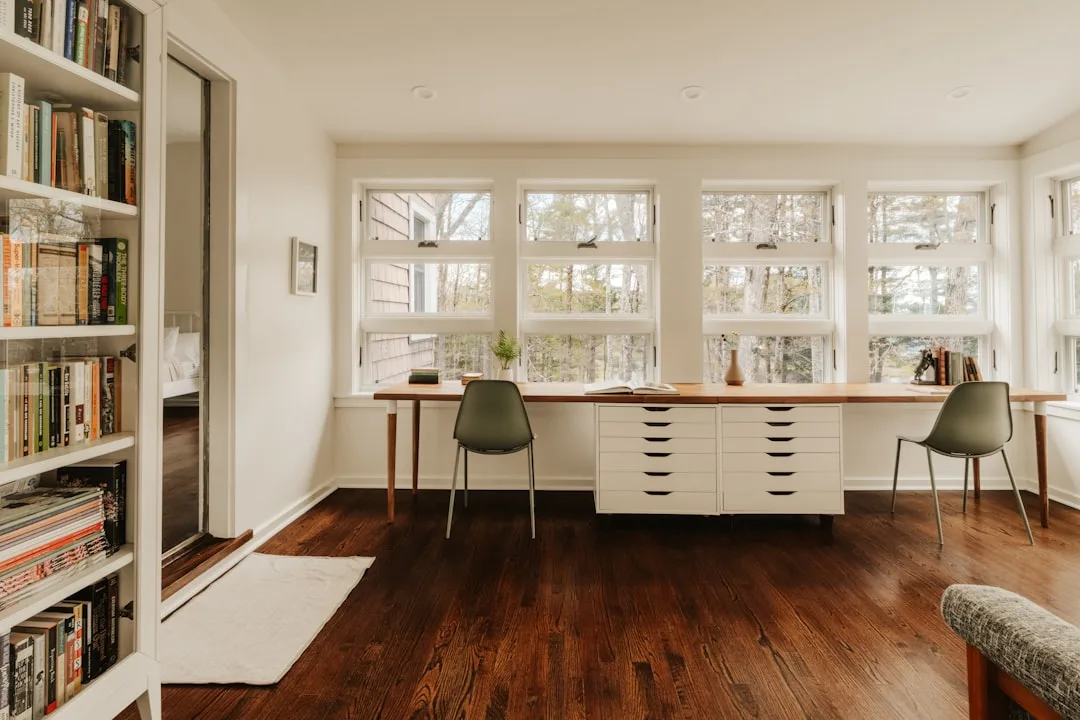
If you’ve been searching for how to zone home office spaces effectively, you’ve probably found a lot of advice about desk placement and cable management. That’s not what this is. The average remote worker loses 2.1 hours a day not to distraction, but to a workspace that was never designed to support the way they actually think — and no amount of cable management fixes that.
Quick Answer
The average remote worker loses 2.1 hours a day not to distraction, but to a workspace that was never designed to support the way they actually think — and no amount of cable management fixes that.
That number should bother you. Not because it’s shocking, but because it’s so specific. It’s not lost to social media or noisy neighbors. It’s lost to friction — the micro-hesitations that happen when your environment and your actual cognitive needs are misaligned. You reach for something that isn’t where you expected it. You try to shift from deep writing into a client call without any spatial or sensory cue to help your brain change gears. You sit in a room that looks like an office but functions like a junk drawer with good lighting.
Most home office advice treats this as an aesthetics problem. It isn’t. It’s a behavioral design problem. And the fix isn’t a new desk.
Why Most Home Offices Fail Before You Sit Down
In This Article
- Why Most Home Offices Fail Before You Sit Down
- What ‘Zoning’ Actually Means in a Residential Space
- The 70/30 Rule in Interior Design — and Why It Rewires Your Office
- How to Zone a Home Office Room by Room
- The Mistakes That Make Zoning Fail
- The 70/30 Rule in Interior Design — and Why It Rewires Your Office
Spare rooms are dangerous. Not literally — but from a design standpoint, they are the single biggest trap in home office planning, because they give people the illusion of a solution before any actual problem-solving has happened. You have a room. You put a desk in it. You buy a few things from IKEA. And then you wonder why, six months later, you feel vaguely exhausted by the space every time you enter it.
The fundamental error is furnishing a room instead of designing a workflow. These are not the same activity. One is transactional. The other requires you to observe yourself working — honestly, not aspirationally — and then build an environment that supports those actual patterns.
I watched this play out repeatedly across eleven years of client work. Someone would hire me to “fix” a home office that wasn’t working, and within ten minutes of the site visit, I could see the real problem: every single work activity — deep focus writing, video calls, billing, reading, printing — was being performed at one desk, in one chair, with one overhead light. The space had no behavioral differentiation whatsoever. It was the equivalent of cooking, eating, and sleeping in the same chair because they all technically happen in the same house.
According to a 2023 Leesman Index report, only 57% of remote workers say their home environment effectively supports their work activities — a number that sits below the satisfaction levels reported for the open-plan offices many of them fled. That’s a stunning finding. People left offices specifically to escape bad environments, and then recreated equally bad ones at home.
The reason zoning matters isn’t aesthetic. It’s neurological. Each zone should trigger a different mental mode — focus, communication, recovery, administration — the way different rooms in a house naturally cue different behaviors. You don’t need walls to do this. But you do need intention.
The most common reasons home offices fail before you even sit down:
- No zone differentiation — every task happens at the same surface under the same light
- Aspirational design instead of behavioral design — the space reflects who you want to be at work, not how you actually work
- Reactive purchasing — each new problem gets a product solution rather than a spatial one
- Ignored transitions — no physical or sensory cue helps your brain shift between modes
- Lighting treated as decoration — one overhead fixture for every task type, which means it’s optimized for none of them
> Takeaway: Before buying anything, write down every distinct activity you perform during a workday and estimate the time spent on each. That list is the skeleton of your zone plan.
What ‘Zoning’ Actually Means in a Residential Space
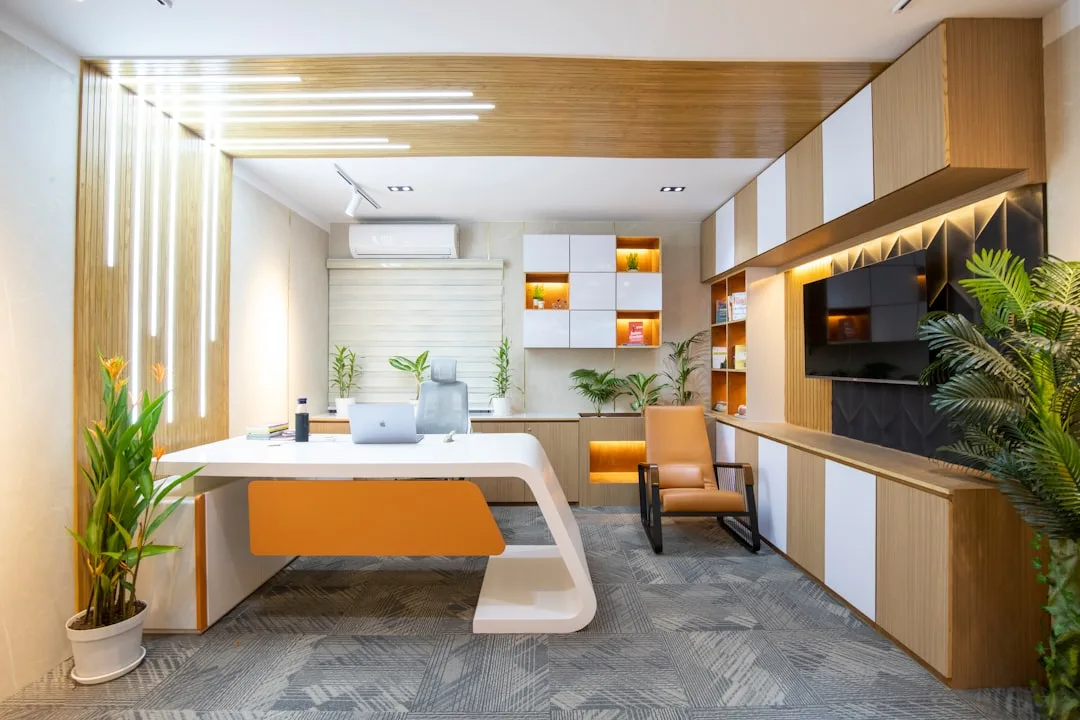
Zoning gets treated like a synonym for organizing, which is why so many people do one when they need the other. Organizing is about managing objects. Zoning is about managing behavior. They overlap occasionally, but they are not the same discipline.
In interior design, zoning means dividing a space into distinct areas that each serve a singular function — and the key word is singular. Not “mostly” focused on one thing. Not “usually” used for calls. Singular. When a zone is allowed to serve multiple competing functions, it serves none of them well. This sounds rigid until you realize that the human brain is extraordinarily responsive to environmental cues, and that even symbolic zone boundaries — a rug edge, a light level shift, a change in wall color — are enough to trigger measurably different cognitive states.
Residential zoning differs from commercial office planning in one critical way that most guides ignore: it has to live inside a home. Which means it has to work aesthetically alongside the rest of your space, not fight it. A row of cubicle dividers might be technically efficient. It would also make your house feel like a call center, and that dissonance — the sense of being in the wrong kind of space — is its own form of cognitive friction.
Interior designers work from the principle that the eye needs approximately three distinct visual signals to register a zone change. Light level, texture, and color temperature are the most effective trio — and crucially, you can deploy all three without moving a single piece of furniture.
This is where the distinction between soft zoning and hard zoning becomes practically useful:
- Hard zoning uses physical dividers — walls, partitions, tall bookshelves, curtain tracks. These create real spatial separation.
- Soft zoning uses sensory cues — rugs, lighting, color, acoustic texture, ceiling treatments. These create perceived separation, which the brain processes almost as effectively as physical boundaries.
For most residential home offices, soft zoning is both sufficient and preferable. It’s reversible, cheaper, and doesn’t require a contractor.
When you think about how to zone home office spaces in practice, the soft zoning toolkit is more powerful than most people expect. Here’s what actually moves the needle:
- Rugs — a zone-specific rug anchors an area visually and creates a tactile boundary you feel even without looking
- Task lighting on dimmers — different light levels for different zones, controllable independently
- Color temperature shifts — warm bulbs (2700K) for reading and recovery zones; cooler bulbs (4000–5000K) for focus and administrative work
- Acoustic panels or bookshelves — these absorb sound differently than bare walls and create a sense of enclosure without physical separation
- Ceiling treatments — a pendant light or canopy over a specific area reads as a defined zone even in an open room
- Scent differentiation — a subtle, consistent scent associated with one zone reinforces the behavioral cue without any visual intervention at all
> Takeaway: Pick one zone in your current office — your primary work area — and identify whether it has all three visual signals: a distinct light level, a distinct texture underfoot or overhead, and a distinct color temperature. If it has fewer than two, your brain has no reason to treat it as a dedicated space.
The 70/30 Rule in Interior Design — and Why It Rewires Your Office
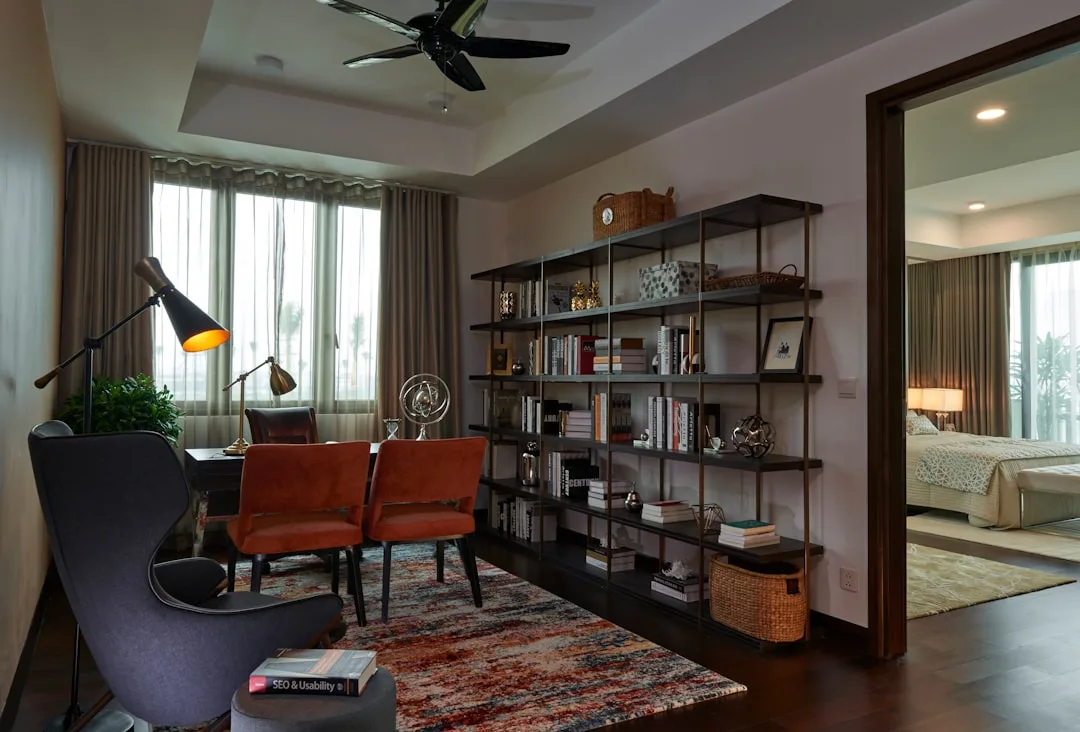
Classical proportion theory has been informing good design for centuries, and the 70/30 rule is one of its most practical descendants. Related to the golden ratio (roughly 62/38) but simplified for application, the rule holds that 70% of a room should follow a dominant design direction — in terms of function, color, or material — while the remaining 30% introduces contrast or supporting function. The tension between dominant and subordinate is what makes a space feel balanced rather than monotonous.
Most people designing home offices give this no thought at all. They distribute their activities roughly equally across the space, which means storage gets the same real estate as deep work, the video call background gets as much attention as the ergonomic setup, and the reading chair ends up squeezed into a corner where it never gets used. Equal distribution sounds fair. It produces functional chaos.
Applied to a home office, the rule asks a direct question: what is your primary work mode, and does it own 70% of your space?
To find your 70%, don’t rely on how you imagine your workday goes. Track one full day — write down every task and roughly how long it lasted. Most knowledge workers discover that one mode dominates: usually either sustained deep focus work or communication-heavy collaboration. That mode should dictate how you design the majority of the room — the furniture scale, the lighting default, the acoustic treatment, even which direction the desk faces.
The remaining 30% is where supporting zones live. A common breakdown for a single-room home office looks like this:
- Primary focus zone (70%) — your main desk, ergonomic setup, primary task lighting, and any tools specific to your core work
- Communication zone (15%) — a secondary surface or chair optimized for calls, with a clean background, flattering light, and good acoustics
- Recovery or reading zone (10%) — a chair or daybed with warm lighting, away from screens, used deliberately for thinking time or short breaks
- Administrative zone (5%) — filing, printing, reference materials — contained and visually separated from the focus area so it doesn’t bleed into your primary workspace mentally or physically
These percentages are starting points, not mandates. A writer’s 70% looks different from a financial analyst’s. But the logic holds: give the most space to the activity that demands the most cognitive investment, and contain everything else so it doesn’t compete for mental bandwidth.
When you’re working out how to zone home office space within these proportions, the most common mistake is inflating the administrative zone. Storage feels productive to design. It isn’t productive to sit in front of. If your filing system is eating 30% of your floor space, it’s actively suppressing your capacity for deep work.
How to Zone a Home Office Room by Room
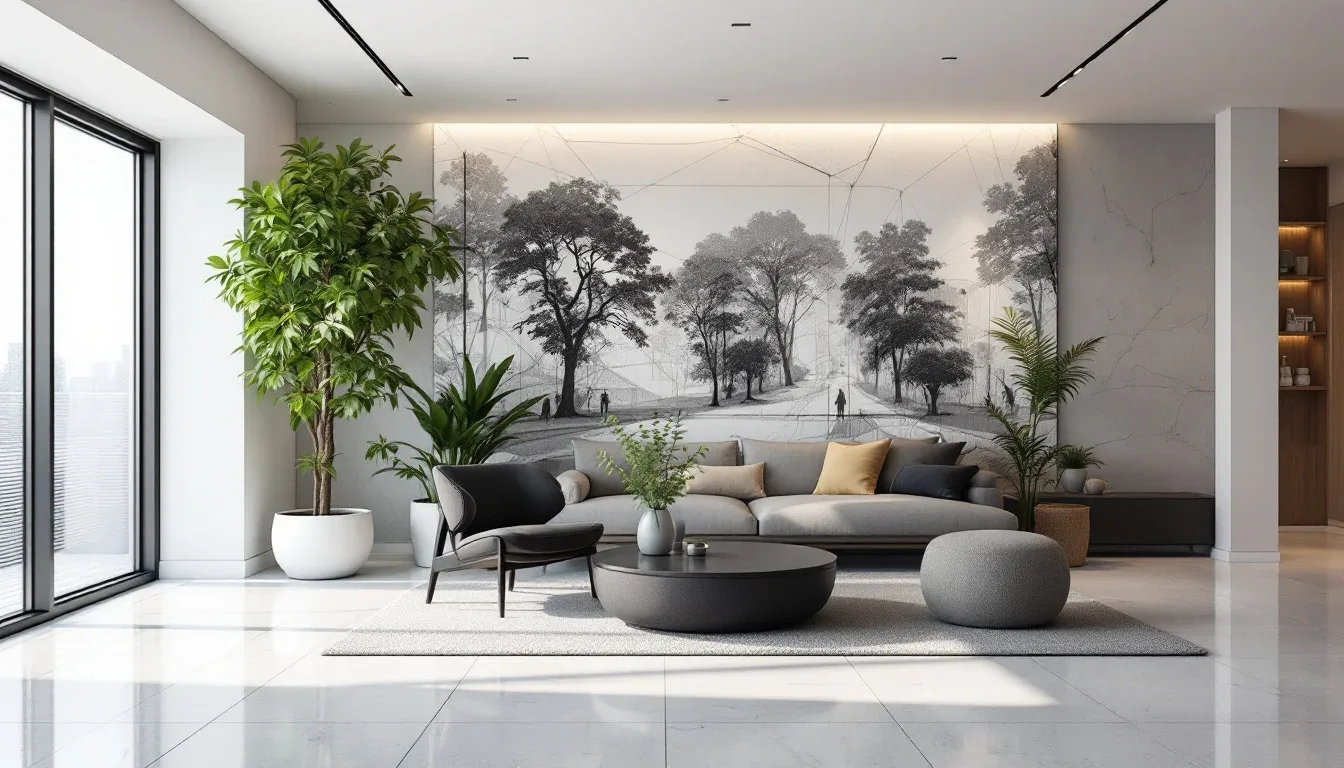
The specific approach to zoning changes significantly depending on what you’re working with. Here’s how to think about it across the most common residential configurations:
Dedicated Room (Best Case)
Even with a full room, most people fail to zone because they assume the room itself is the zone. It isn’t — it’s the container for multiple zones. Start by:
- Identifying your four zone types (focus, communication, recovery, administrative)
- Mapping natural light movement through the day — your focus zone should have the most consistent light, not necessarily the most light
- Placing your primary desk away from the door if possible — facing a door creates low-grade vigilance that interrupts deep work
- Treating the communication zone as a set — camera angle, background, and lighting should be considered together, not separately
- Keeping the recovery zone visually separated from the desk, even if only by a bookshelf or change in rug
Shared Room or Bedroom Office (Common Case)
When the office shares space with another function — bedroom, living room, guest room — zoning becomes more important, not less:
- Use a curtain track or tall open shelving unit as a visual break between the sleeping and working areas
- Apply a different wall color or large-format art panel behind the desk to create a distinct backdrop
- Use a dedicated desk lamp with a warmer color temperature than the room’s general lighting — this signals “work mode” when on and “home mode” when off
- Pack the desk area into the smallest footprint possible and invest heavily in that zone’s ergonomics rather than spreading average-quality furniture across the whole room
Studio or Open-Plan Space (Hardest Case)
In a studio apartment or open-plan room, zoning is entirely perceptual — which makes intentionality more important than anywhere else:
- A large rug under the desk area is non-negotiable; it’s the primary zone signal
- Pendant or arc lighting positioned over the desk creates overhead definition without walls
- Face the desk toward a window or a specific wall — never toward the kitchen or television
- A room divider, open bookshelf, or tall plant arrangement can serve as a soft partition without making the space feel smaller
The Mistakes That Make Zoning Fail
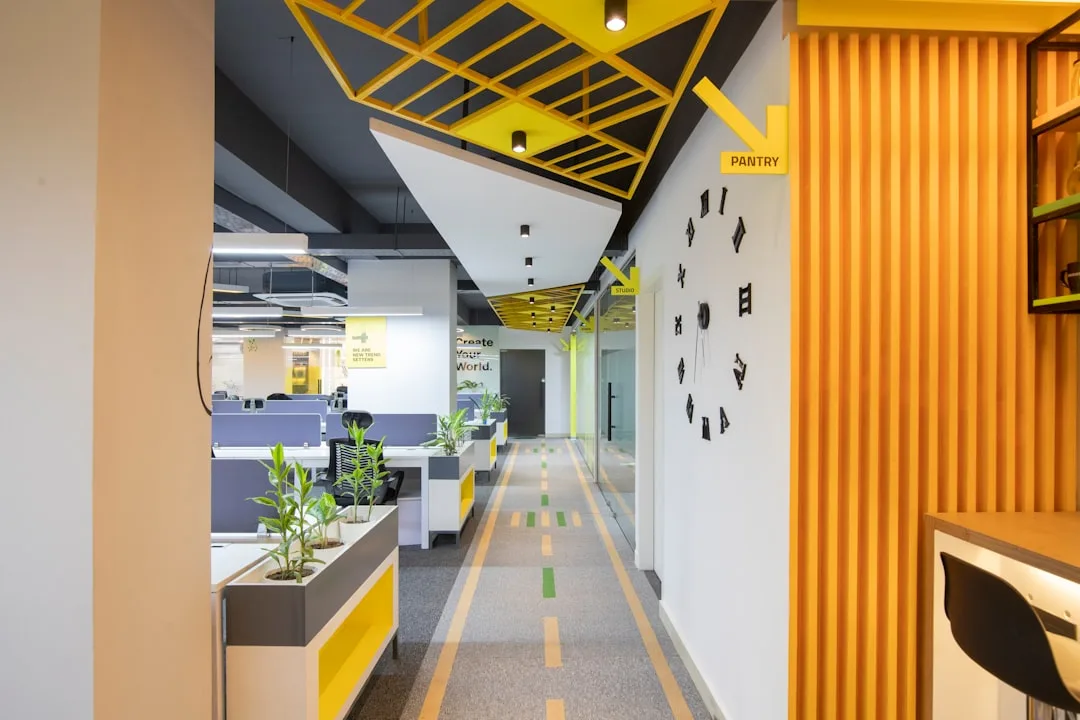
Knowing how to zone home office spaces is only useful if you avoid the implementation errors that undermine the whole system. These come up again and again:
- Zoning visually but not functionally — a rug and a lamp that look like a zone but still hold three different activity types is decoration, not design
- Ignoring acoustics entirely — hard floors, bare walls, and a single room for calls and focus work create an echo and ambient noise problem that no visual zone can solve
- Treating the administrative zone as overflow — when the filing area starts absorbing desk space, the whole system collapses inward
- Designing for the best day instead of the average day — the zone plan needs to work when you’re tired, behind schedule, and haven’t cleaned the desk in a week
- Skipping the transition ritual — physical zones work better when paired with a behavioral trigger: a specific lamp you turn on, a short walk, a different pair of shoes. The ritual tells your brain the zone shift is real
- Buying furniture before mapping zones — the desk should fit the zone, not the other way around
The 70/30 Rule in Interior Design — and Why It Rewires Your Office
Classical proportion theory has been informing good design for centuries, and the 70/30 rule is one of its most practical descendants. Related to the golden ratio (roughly 62/38) but simplified for application, the rule holds that 70% of a room should follow a dominant design direction — in terms of function, color, or material — while the remaining 30% introduces contrast or supporting function. The tension between dominant and subordinate is what makes a space feel balanced rather than monotonous.
Most people designing home offices give this no thought at all. They distribute their activities roughly equally across the space, which means storage gets the same real estate as deep work, the video call background gets as much attention as the ergonomic setup, and the reading chair ends up squeezed into a corner where it never gets used. Equal distribution sounds fair. It produces functional chaos.
Applied to a home office, the rule asks a direct question: what is your primary work mode, and does it own 70% of your space?
To find your 70%, don’t rely on how you imagine your workday goes. Track one full day — write down every task and roughly how long it lasted. Most knowledge workers discover that one mode dominates: usually either sustained deep focus work or communication-heavy collaboration. That mode should dictate the majority of your spatial decisions.
Frequently Asked Questions
Do I need a dedicated room to properly zone a home office?
No. Zoning is a behavioral and sensory strategy, not an architectural one. A corner of a bedroom or a section of a living room can be effectively zoned using rugs, lighting, and visual boundaries. The principles are identical — only the scale changes. What you do need is consistency: the zone has to function as a zone every day, not just when you feel like setting it up.
How many zones does a home office actually need?
Most home offices function well with two to four zones. If your work is primarily solo and screen-based, a focus zone and a recovery zone are often enough. If you’re on calls frequently, add a dedicated communication zone. Administrative tasks — filing, printing, reference — can usually share a zone with focus work as long as that zone isn’t your primary desk surface. More zones than four typically means the space is too small to support them properly.
What’s the single highest-impact change I can make to start zoning my home office today?
Add a dedicated task light to your primary work area and put it on a separate switch or smart plug from the room’s general lighting. Turn it on when you start deep work. Turn it off when you shift to something else. This one change creates a sensory trigger that costs under $50 and begins training your brain to associate that light level with focused output. It’s a small move, but it establishes the logic of zone-based design without any furniture changes.
How do I handle a home office zone that has to serve double duty — like a guest room desk?
Design for the primary function and make the secondary function as invisible as possible. If the room is primarily an office that occasionally becomes a guest room, the desk stays prominent and the bed folds away or is a daybed with proper cushions. If it’s primarily a guest room, the desk should pack down completely — a fold-flat wall desk rather than a permanent surface. Trying to make both functions equally visible at all times means neither works well.
Does the color of my home office walls actually affect productivity, or is that overstated?
It’s real but frequently overstated. Color affects perceived temperature, energy level, and mood — but its impact is subtle and highly individual. More reliably impactful than wall color is light color temperature: cool white light (4000–5000K) genuinely increases alertness and is well-supported by research; warm light (2700K) supports winding down. If you’re starting from scratch, get the lighting right before touching the paint. If you’re choosing a wall color, aim for mid-toned, low-saturation hues in your focus zone — they’re easier on the eyes during long sessions than either very dark or very bright options.
Do I need a dedicated room to properly zone a home office?
No. Zoning is a behavioral and sensory strategy, not an architectural one. A corner of a bedroom or a section of a living room can be effectively zoned using rugs, lighting, and visual boundaries. The principles are identical — only the scale changes. What you do need is consistency: the zone has to function as a zone every day, not just when you feel like setting it up.
How many zones does a home office actually need?
Most home offices function well with two to four zones. If your work is primarily solo and screen-based, a focus zone and a recovery zone are often enough. If you’re on calls frequently, add a dedicated communication zone. Administrative tasks — filing, printing, reference — can usually share a zone with focus work as long as that zone isn’t your primary desk surface. More zones than four typically means the space is too small to support them properly.
What’s the single highest-impact change I can make to start zoning my home office today?
Add a dedicated task light to your primary work area and put it on a separate switch or smart plug from the room’s general lighting. Turn it on when you start deep work. Turn it off when you shift to something else. This one change creates a sensory trigger that costs under $50 and begins training your brain to associate that light level with focused output. It’s a small move, but it establishes the logic of zone-based design without any furniture changes.
How do I handle a home office zone that has to serve double duty — like a guest room desk?
Design for the primary function and make the secondary function as invisible as possible. If the room is primarily an office that occasionally becomes a guest room, the desk stays prominent and the bed folds away or is a daybed with proper cushions. If it’s primarily a guest room, the desk should pack down completely — a fold-flat wall desk rather than a permanent surface. Trying to make both functions equally visible at all times means neither works well.
Does the color of my home office walls actually affect productivity, or is that overstated?
It’s real but frequently overstated. Color affects perceived temperature, energy level, and mood — but its impact is subtle and highly individual. More reliably impactful than wall color is light color temperature: cool white light (4000–5000K) genuinely increases alertness and is well-supported by research; warm light (2700K) supports winding down. If you’re starting from scratch, get the lighting right before touching the paint. If you’re choosing a wall color, aim for mid-toned, low-saturation hues in your focus zone — they’re easier on the eyes during long sessions than either very dark or very bright options.