
The single most expensive mistake in a home workspace has nothing to do with your chair, your monitor, or your desk itself — it’s where you placed that desk relative to the nearest window, a decision most people make once and never revisit. Home office natural light desk placement is the variable that quietly determines whether your workspace energizes you or slowly grinds you down, and yet it’s the last thing most people think about when setting up a room. You pushed the desk against the wall that felt right, or the wall that was left after the bed and the bookshelf took their spots, and now you’re working in a room that slowly drains you without ever explaining why. Light isn’t just aesthetic here. It’s physiological. And the difference between a well-placed desk and a poorly placed one shows up in your headache count, your sleep quality, and — though this sounds like an overstatement — your actual output.
Quick Answer
The single most expensive mistake in a home workspace has nothing to do with your chair, your monitor, or your desk itself — it’s where you placed that desk relative to the nearest window, a decision most people make once and never revisit.
A Cornell University study that tracked workers in daylight-optimized offices found employees near windows slept 46 minutes more per night and reported 84% fewer headaches than those working away from natural light. That data keeps me bringing up window placement before a single piece of furniture gets ordered, every time.
Why Natural Light Placement Changes Everything (And Most People Get It Wrong)
In This Article
- Why Natural Light Placement Changes Everything (And Most People Get It Wrong)
- The Four Desk Positions Relative to a Window — Ranked
- How Window Direction Changes Every Rule You Have Read
- What Nobody Tells You About Curtains, Blinds, and Light Control
- How Room Size and Ceiling Height Interact With Desk Placement
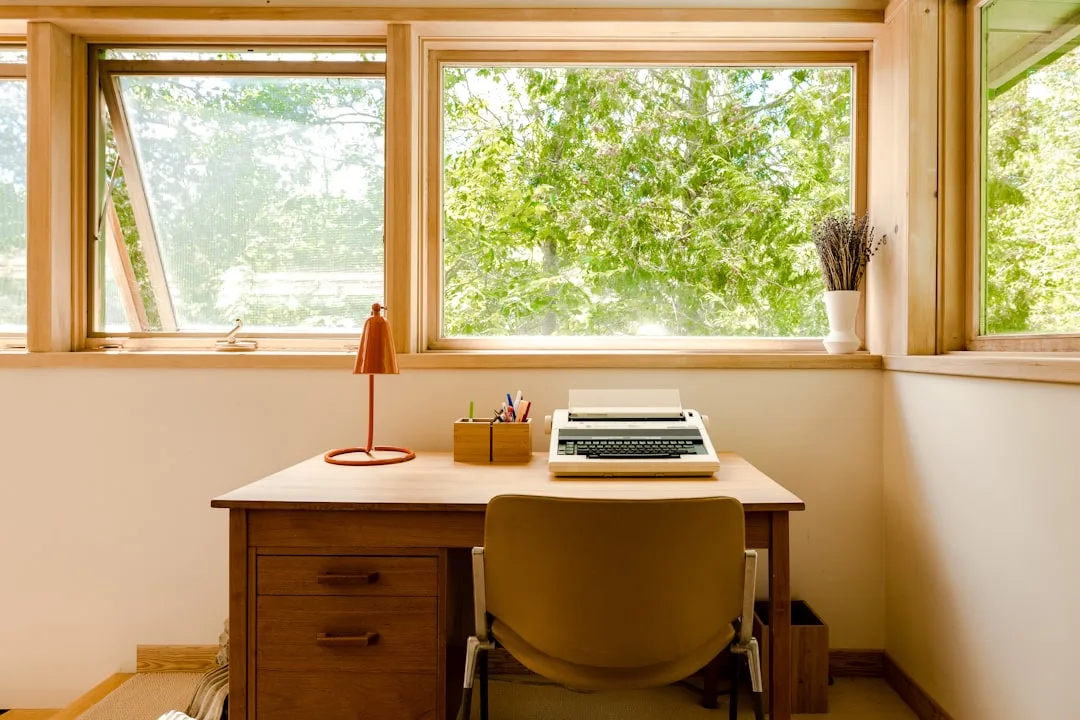
Most people don’t think about light direction when setting up a home office. They think about what fits, what looks symmetrical, what clears the closet door. The room gets “balanced” in the visual sense — desk centered on one wall, window somewhere in the periphery — and then that arrangement calcifies for years. It feels permanent because moving a desk feels like a project.
But here’s the thing nobody tells you about light: the angle of incidence between your eye line and the light source determines almost everything about how fatigued you feel after a full workday. It’s not about how bright the room is. A room flooded with light from the wrong direction — directly behind a monitor, say, or hitting your cornea at a flat horizontal angle through a west-facing window at 3pm — creates physiological strain that no amount of caffeine fixes.
The reason most people get this wrong isn’t laziness. It’s that the feedback is delayed. You don’t feel the consequences of bad light placement in the first hour of a Tuesday. You feel it on Thursday afternoon, as a tension headache or that specific kind of eye fatigue that makes reading feel like swimming upstream. By then, you’ve stopped connecting it to the window.
I spent years watching clients set up offices in apartments with genuinely beautiful light — east-facing windows in prewar Chicago buildings that delivered this clean morning glow — and then position their desks facing directly into it. Morning glare hitting the monitor, squinting before 9am. The room looked great in the listing photos. It was miserable to work in.
The Illuminating Engineering Society recommends task lighting at a desk reach 300–500 lux. A south-facing window at noon, undiffused, can hit 10,000 lux or more — which is roughly the difference between a well-lit conference room and standing outside in summer. Your eyes are constantly compensating for that, even when you don’t consciously notice it.
Actionable takeaway: Before touching furniture, sit in the spot where your desk might go at your actual working hours. Bring a white sheet of paper and hold it at eye level. What you observe in 60 seconds — washout, shadow, glare — tells you more than any floor plan.
The Four Desk Positions Relative to a Window — Ranked
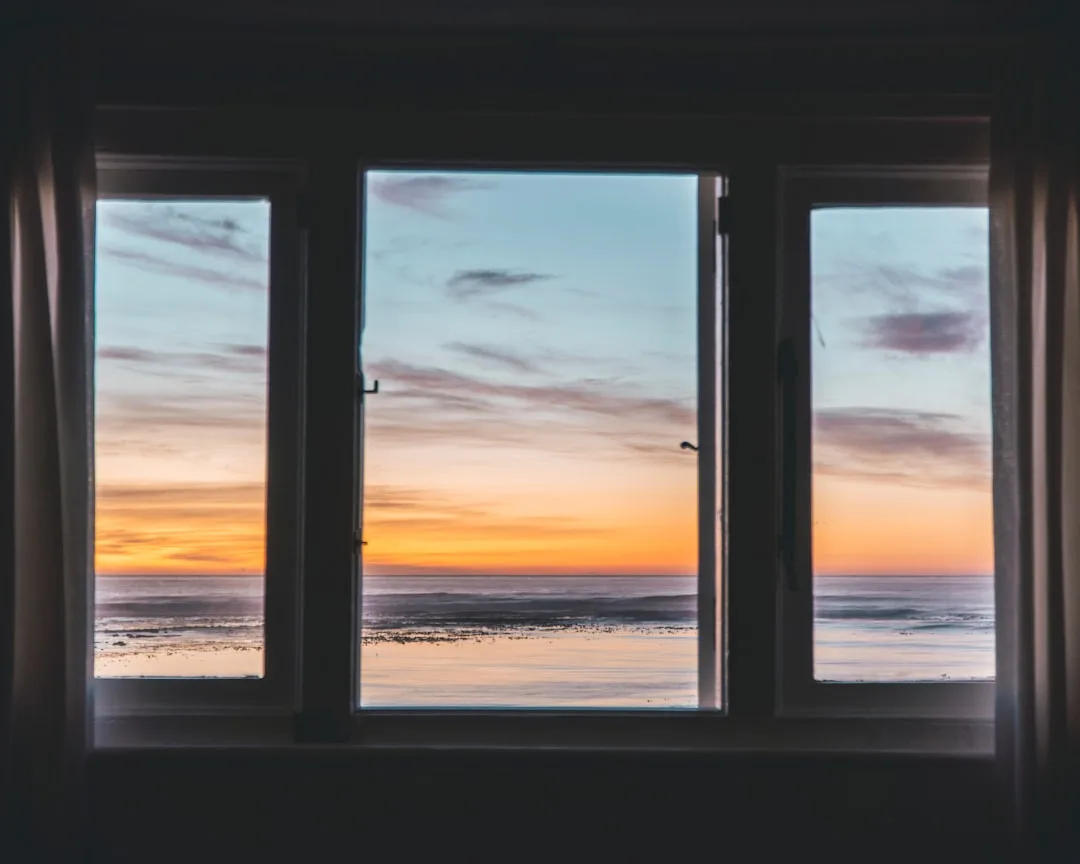
Here’s my honest ranking, built from years of watching what actually works inside real rooms, not staged photo shoots.
1. Perpendicular to the window (side-lit placement) — the right call most of the time
Light comes across your work surface from one side. No direct glare on your monitor. Natural illumination on your hands and documents. This is the standard recommendation for home office natural light desk placement, and it’s standard for a reason — but the detail everyone skips is which side. If you’re right-handed, you want light coming from the left. Your writing hand won’t cast a shadow across your work surface. Left-handed? Reverse that. I’ve watched designers set up “perfectly perpendicular” desks for left-handed clients that created hand shadows all day long. The hand matters.
2. Facing away from the window (back-to-window placement) — conditional approval
This gets a bad reputation it doesn’t entirely deserve. In north-facing rooms in the Northern Hemisphere, where light is diffused and never direct, back-to-window placement works well. The light fills the room evenly, bounces off the opposite wall, and lands on your face and screen without the hard-glare problem. The failure mode appears when this placement is used with south- or west-facing windows — then you get direct sun hitting your screen from behind you, which creates a backlit situation that no monitor brightness setting can fully compensate for.
3. Facing the window directly — works for specific workers
Monitor users who face the window directly will fight glare every clear day. But if your primary work is pen-and-paper, sketchbooks, physical samples, or anything that doesn’t involve a screen — facing the window is often energizing and entirely workable. Daylight on your face, view in front of you. For creative and analog work, this placement tends to feel alive rather than taxing.
4. Parallel to the wall in a deep room — the most overlooked option
In open-plan spaces or long rooms, a desk positioned along the length of the room, away from any window wall entirely, can receive excellent ambient light from multiple sources without any direct exposure. This placement almost never appears in competitor articles because it’s hard to photograph prettily. It works well in practice.
- Right-handed workers: window light from the left
- Left-handed workers: window light from the right
- Back-to-window only acceptable: north-facing windows, diffused light conditions
- Facing-window directly: analog and creative workers only
Actionable takeaway: Check your dominant hand before choosing a side. It sounds minor. It isn’t — eight hours of hand shadows accumulate.
How Window Direction Changes Every Rule You Have Read
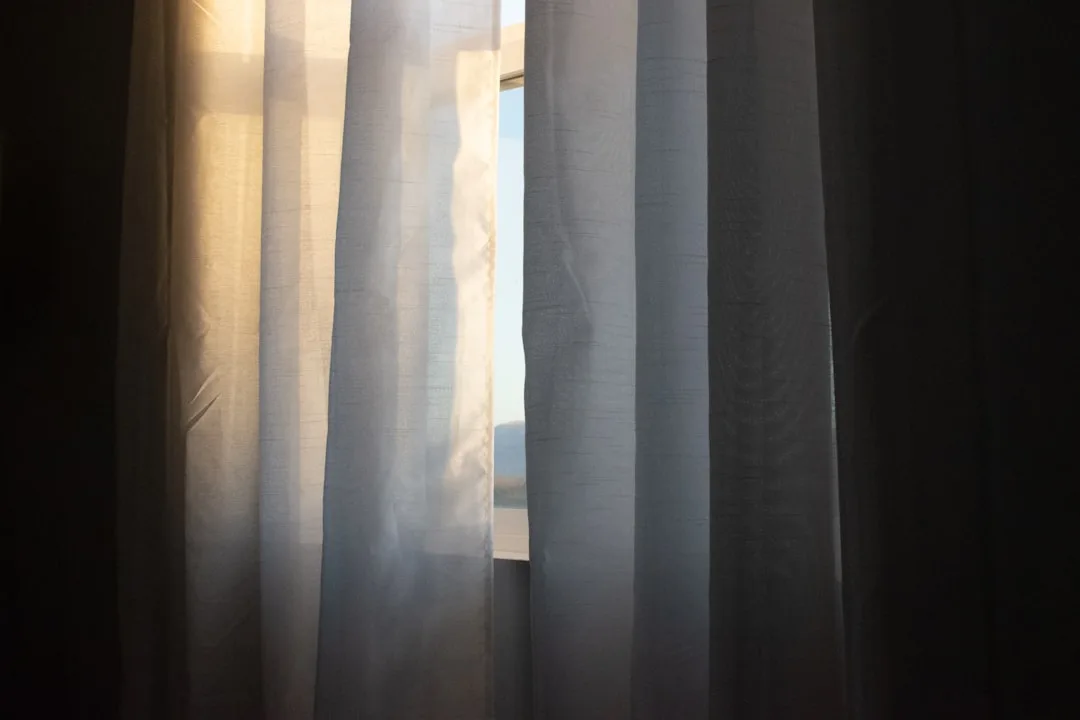
Cardinal direction is the single most under-discussed variable in desk placement, and the absence of this conversation in most home office content is why people follow “the rules” and still end up squinting. The window’s compass orientation changes what kind of light you’re actually dealing with — its intensity, its color temperature, the arc it traces through your room — and each direction requires a different response. Getting home office natural light desk placement right means understanding not just where your desk sits relative to the window, but what that window is actually doing throughout the day.
North-facing windows are a designer’s quiet favorite. In the Northern Hemisphere, a north-facing window never receives direct sun. The light is consistent, cool, and shadow-free across the entire day and across all seasons. Almost any desk position works here — facing, perpendicular, back-to-window. If you’re choosing a room for a home office and you have the option, a north-facing window gives you the most flexibility and the fewest problems. The tradeoff is that this light can feel flat in winter months, particularly in higher latitudes where the sun stays low and the days are short. A daylight-spectrum desk lamp positioned to mirror the angle of natural light compensates for this without introducing warm color casts.
South-facing windows deliver the most light over the course of a day, and that abundance creates its own set of problems. Direct sun enters for hours, arcing across the room from late morning through mid-afternoon. For home office natural light desk placement with a south-facing window, perpendicular positioning is almost mandatory — and you’ll want a sheer linen curtain or a cellular shade you can partially lower without blocking the window entirely. The goal is diffusion, not elimination. South-facing rooms are the ones most likely to create the 10,000-lux overexposure problem described earlier, particularly from May through August when the sun climbs high enough to flood deep into the room.
East-facing windows give you intense direct sun in the morning — roughly 7am to 11am depending on season and latitude — and then nothing. For people who start work early, east light can be energizing or completely unusable depending on desk position. If your productive hours are morning-heavy and you’re a screen worker, an east-facing room rewards back-to-window or perpendicular placement in the morning, and then becomes a genuinely pleasant ambient-light environment by afternoon. If your peak hours are afternoon, east-facing rooms work beautifully with almost any placement after midday.
West-facing windows are the trickiest for anyone who works through the late afternoon. The sun enters at a low horizontal angle — often between 2pm and 5pm — hitting screens, eyes, and faces at the worst possible geometry. A monitor facing west in a west-facing room at 4pm in July is a near-unusable situation. West-facing home offices require either blackout solutions during those hours, a perpendicular desk position that keeps the window out of both your direct line of sight and your screen’s reflective plane, or a deliberate scheduling adjustment where screen-heavy work gets done before the afternoon glare window opens.
Actionable takeaway: Find your window’s cardinal direction using a compass app on your phone before committing to any placement. Then sit in the room at 9am, 12pm, and 3pm on a clear day and observe what the light actually does. The 3pm observation is the one most people skip — and it’s usually the one that changes everything.
What Nobody Tells You About Curtains, Blinds, and Light Control
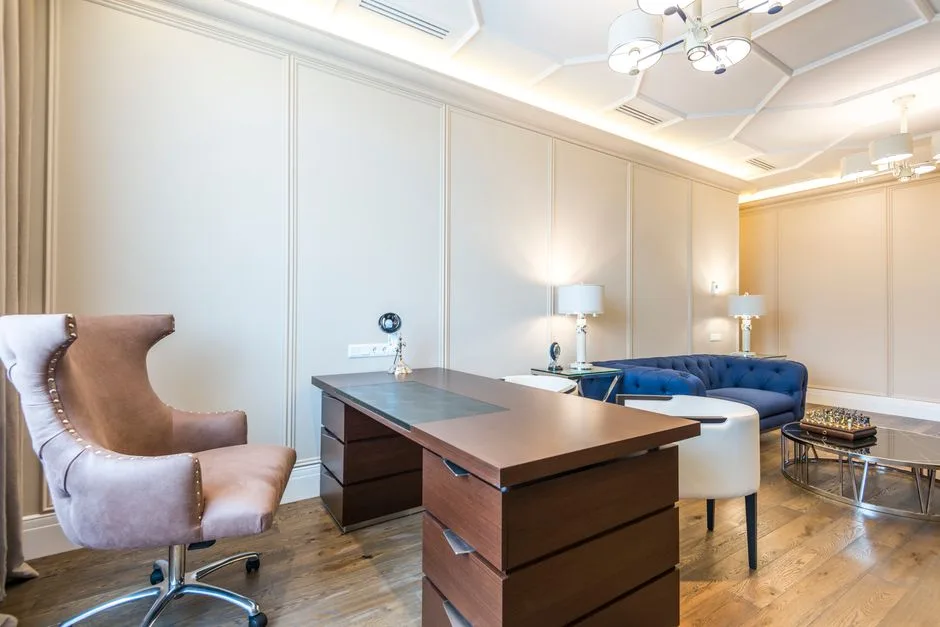
The best home office natural light desk placement strategy in the world can be undermined by the wrong window treatment — or saved by the right one. This section exists because placement and treatment work as a system, not independently.
Sheer linen curtains are the most forgiving solution for south- and east-facing windows. They cut direct sun by roughly 70–80% without killing the quality of the light. The remaining light is diffused, soft, and directionally consistent. The mistake most people make is choosing sheers that are too white — bright white sheers can themselves become a secondary glare source when backlit by direct sun. An off-white or natural linen tone absorbs some of that intensity.
Cellular shades (honeycomb blinds) give you incremental control. A top-down, bottom-up cellular shade lets you block low-angle afternoon sun entering at sill level while keeping the upper portion of the window open for overhead light. This is an underused solution for west-facing offices where the problem is specifically the low horizontal angle, not the light itself.
Exterior overhangs and trees do something that no interior window treatment fully replicates: they block high-angle summer sun while allowing low-angle winter sun to enter. If you’re renovating or building, a 12–18 inch soffit overhang above south-facing windows is one of the most effective passive light-management tools available. If you’re renting an apartment, this obviously isn’t an option — but it’s worth knowing for future decisions.
Reflective surfaces opposite the window deserve more attention than they get. A matte white or off-white wall facing the window bounces diffused light back into the room, effectively doubling the useful ambient illumination without any additional light source. This matters most in north-facing rooms where light quantity is the constraint rather than light quality.
How Room Size and Ceiling Height Interact With Desk Placement
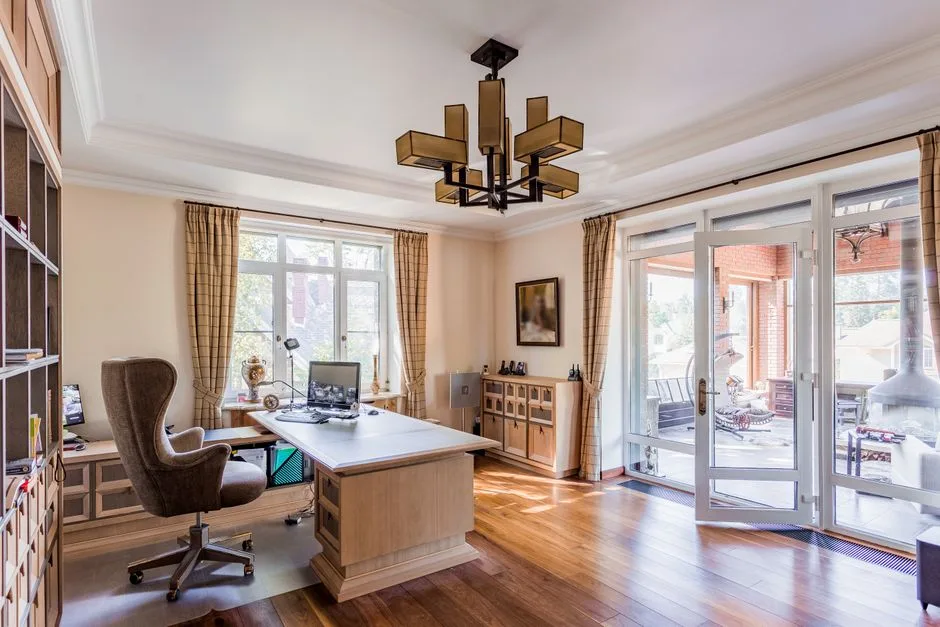
A 90-square-foot home office and a 200-square-foot one respond to light differently, and placement advice that works in one can fail badly in the other. This variable gets omitted from most desk placement guides because it complicates the clean rule-sets. Here’s what actually changes.
In small rooms — under roughly 120 square feet — a window takes up a proportionally larger share of the wall, and light penetrates proportionally deeper into the space. The gradient from bright to dim across the room is steeper. This means a desk placed even six feet from a south-facing window in a small room may still receive enough direct light exposure to cause glare problems. The perpendicular-placement rule applies with more urgency in compact spaces, and light-colored walls become more important as a diffusion mechanism.
In large rooms, the challenge reverses. A single window in a 300-square-foot room may not provide enough natural light to reach a desk positioned on the far wall, even on a bright day. Here, a second light source — either a second window or a daylight-spectrum task lamp — becomes necessary regardless of how good your desk placement is. The lamp isn’t a substitute for window placement; it’s a supplement to it.
Ceiling height matters because light from a window enters at an angle and casts shadows that depend on that angle. A 10-foot ceiling in a room with an 8-foot-tall window opening allows light to travel deeper into the room at a steeper angle, reducing the harsh horizontal glare that characterizes low-ceiling spaces with standard 6-foot windows. If you have the choice between a high-ceiling room and a low-ceiling room for a home office, the high-ceiling room wins on light quality almost every time, regardless of which direction it faces.
FAQ
Does it actually matter which side the window is on if I’m using a good monitor?
Yes, more than the monitor compensates for. Even the best anti-glare monitor coating and brightness adjustment can’t fully neutralize direct sun hitting a screen at a low angle. The monitor’s settings adjust for ambient brightness, not for directional glare sources. Home office natural light desk placement is about preventing the problem at the source, not managing it after the fact with display settings.
My only window is directly behind where my desk has to go. What do I do?
First, confirm it actually has to go there — most rooms have more flexibility than the initial arrangement suggests. If the placement is genuinely constrained, a combination of a good quality sheer curtain that diffuses without blocking and a monitor hood (the kind photographers use on laptops outdoors) can reduce the backlit glare significantly. Repositioning the monitor slightly off-center from the window’s axis also helps — even a 15-degree angle change can move the worst reflection zone off the screen surface.
I work nights and early mornings. Does any of this apply to me?
The principles of light direction still apply during daylight hours when you’re at the desk, but if your primary working hours are after dark, natural light placement becomes less about glare management and more about circadian rhythm support. Keeping natural light accessible during whatever daytime hours you’re present — even if not actively working — helps regulate the melatonin cycle that affects sleep quality. The Cornell data on 46 extra minutes of sleep per night was measured in workers with standard daytime schedules, but the biological mechanism applies regardless of schedule.
Is a skylight better than a side window for a home office?
For diffused ambient light, yes — a skylight provides overhead illumination that casts minimal shadows and creates no horizontal glare. The limitation is that skylights are fixed and offer no view, which eliminates one of the cognitive benefits of windows (periodic distance-focusing that reduces eye strain). If you can have both, a north-facing side window for view and a skylight for general illumination is a genuinely excellent combination. If you have to choose one, a well-placed north- or east-facing window beats a skylight for most workers.
How far from the window should my desk actually be?
There’s no universal number, but a useful working range for most rooms and most window types is 4–8 feet from the glass, measured from your seated eye position. Closer than 4 feet in a south- or west-facing room puts you in the direct-exposure zone for most of the day. Beyond 8–10 feet, natural light levels often drop below the 300-lux minimum recommended for task work, and you’ll need supplemental lighting regardless of how good your placement is. The perpendicular side-placement at 5–6 feet from a standard double-hung window is the configuration that consistently performs best across different room types, orientations, and work styles.
Does it actually matter which side the window is on if I’m using a good monitor?
Yes, more than the monitor compensates for. Even the best anti-glare monitor coating and brightness adjustment can’t fully neutralize direct sun hitting a screen at a low angle. The monitor’s settings adjust for ambient brightness, not for directional glare sources. Home office natural light desk placement is about preventing the problem at the source, not managing it after the fact with display settings.
My only window is directly behind where my desk has to go. What do I do?
First, confirm it actually has to go there — most rooms have more flexibility than the initial arrangement suggests. If the placement is genuinely constrained, a combination of a good quality sheer curtain that diffuses without blocking and a monitor hood (the kind photographers use on laptops outdoors) can reduce the backlit glare significantly. Repositioning the monitor slightly off-center from the window’s axis also helps — even a 15-degree angle change can move the worst reflection zone off the screen surface.
I work nights and early mornings. Does any of this apply to me?
The principles of light direction still apply during daylight hours when you’re at the desk, but if your primary working hours are after dark, natural light placement becomes less about glare management and more about circadian rhythm support. Keeping natural light accessible during whatever daytime hours you’re present — even if not actively working — helps regulate the melatonin cycle that affects sleep quality. The Cornell data on 46 extra minutes of sleep per night was measured in workers with standard daytime schedules, but the biological mechanism applies regardless of schedule.
Is a skylight better than a side window for a home office?
For diffused ambient light, yes — a skylight provides overhead illumination that casts minimal shadows and creates no horizontal glare. The limitation is that skylights are fixed and offer no view, which eliminates one of the cognitive benefits of windows (periodic distance-focusing that reduces eye strain). If you can have both, a north-facing side window for view and a skylight for general illumination is a genuinely excellent combination. If you have to choose one, a well-placed north- or east-facing window beats a skylight for most workers.
How far from the window should my desk actually be?
There’s no universal number, but a useful working range for most rooms and most window types is 4–8 feet from the glass, measured from your seated eye position. Closer than 4 feet in a south- or west-facing room puts you in the direct-exposure zone for most of the day. Beyond 8–10 feet, natural light levels often drop below the 300-lux minimum recommended for task work, and you’ll need supplemental lighting regardless of how good your placement is. The perpendicular side-placement at 5–6 feet from a standard double-hung window is the configuration that consistently performs best across different room types, orientations, and work styles.